Recommended AI Tools
5We've analyzed the market. These tools offer specific features for restore old & damaged photos.
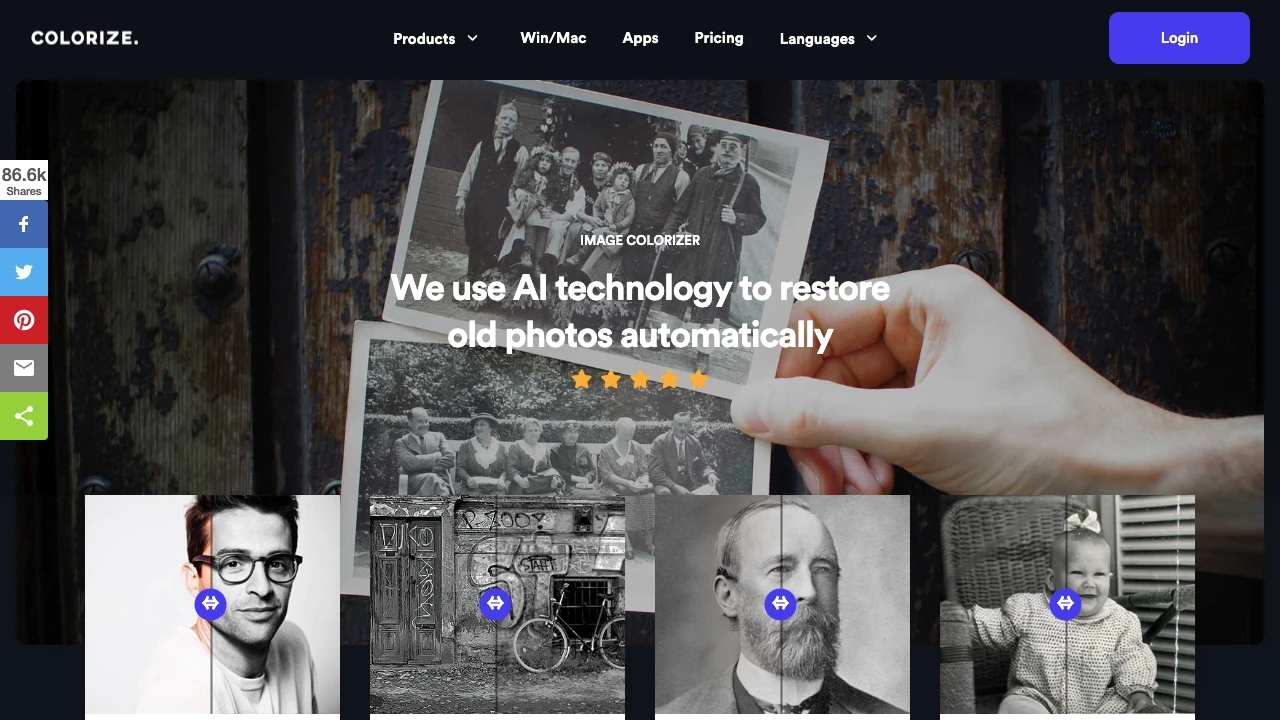
ImageColorizer
ImageColorizer is an innovative online tool that uses AI to breathe new life into old black and white photos by colorizing and restoring them with rem...
- Automatic colorization of black and white images
- Restoration of clarity in old photographs
- Enhancement of blurry and low-quality pictures
AI Analysis
Why use this AI ImageColorizer for Restore Old & Damaged Photos?

AI Photo Restorer revitalizes old or damaged photos using advanced AI technology for effortless enhancement.
- AI-driven photo restoration
- Image scaling up to 4x
- Advanced portrait enhancement
AI Analysis
Why use this AI AI Photo Restorer for Restore Old & Damaged Photos?
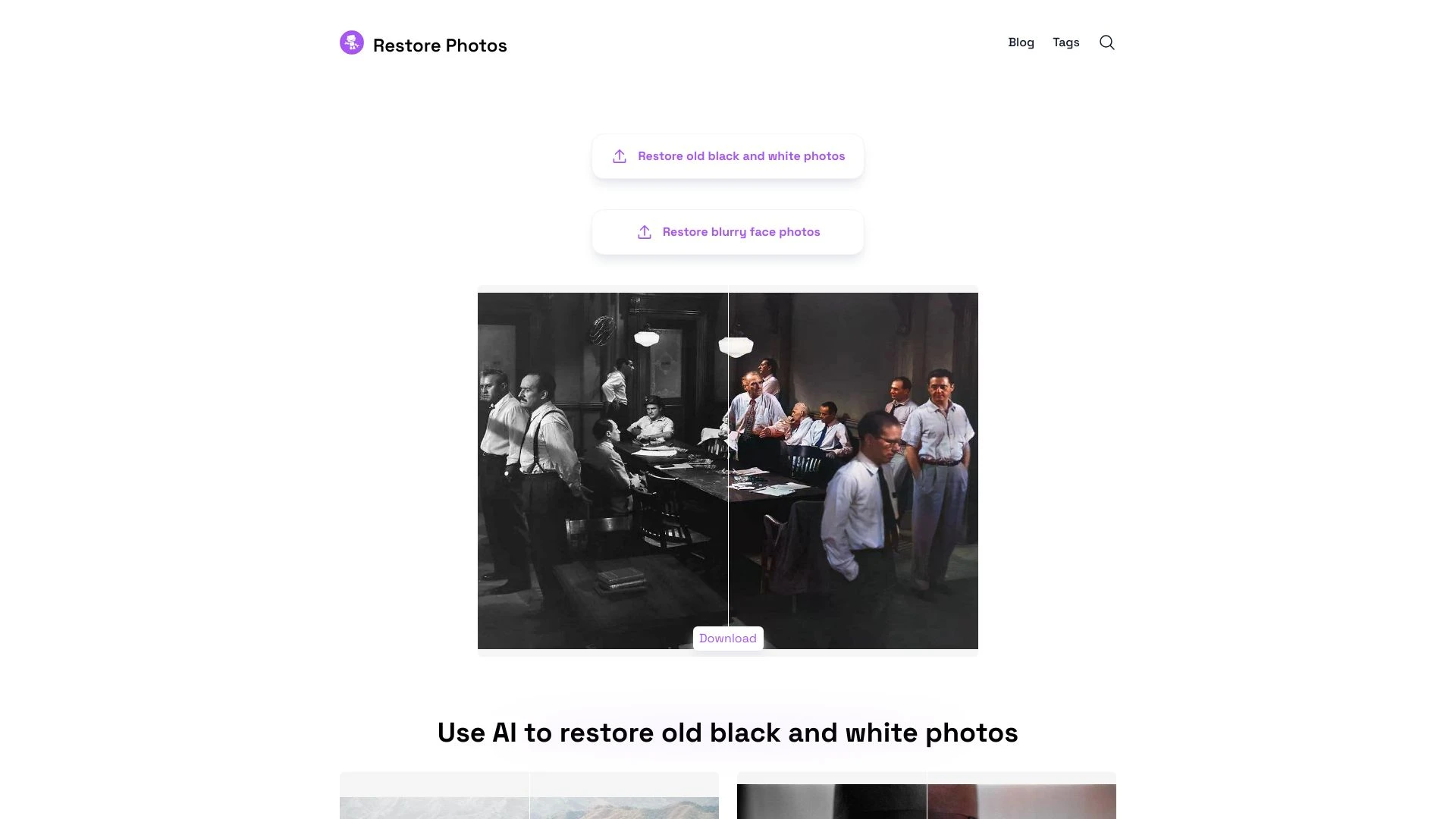
Restore Photos
Revitalize old and blurry photos with AI-powered restoration techniques.
- AI-enhanced photo restoration
- high-definition face retouching
- colorization of black and white images
AI Analysis
Why use this AI Restore Photos for Restore Old & Damaged Photos?
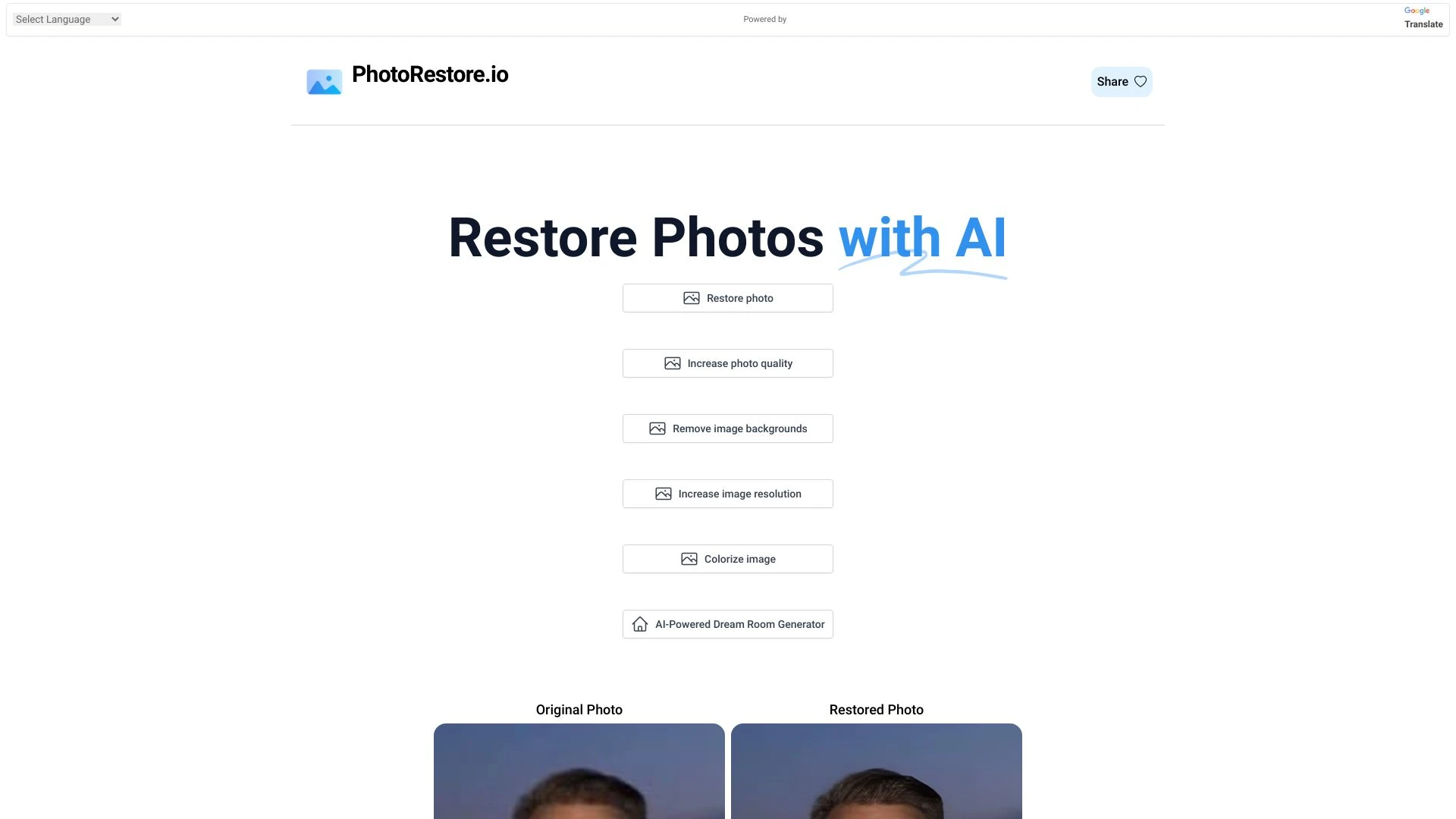
PhotoRestore.io
PhotoRestore.io is a free AI-powered service designed to restore and enhance old or blurry photos effortlessly.
- AI-powered photo restoration
- sophisticated algorithms for quality enhancement
- user-friendly interface
AI Analysis
Why use this AI PhotoRestore.io for Restore Old & Damaged Photos?
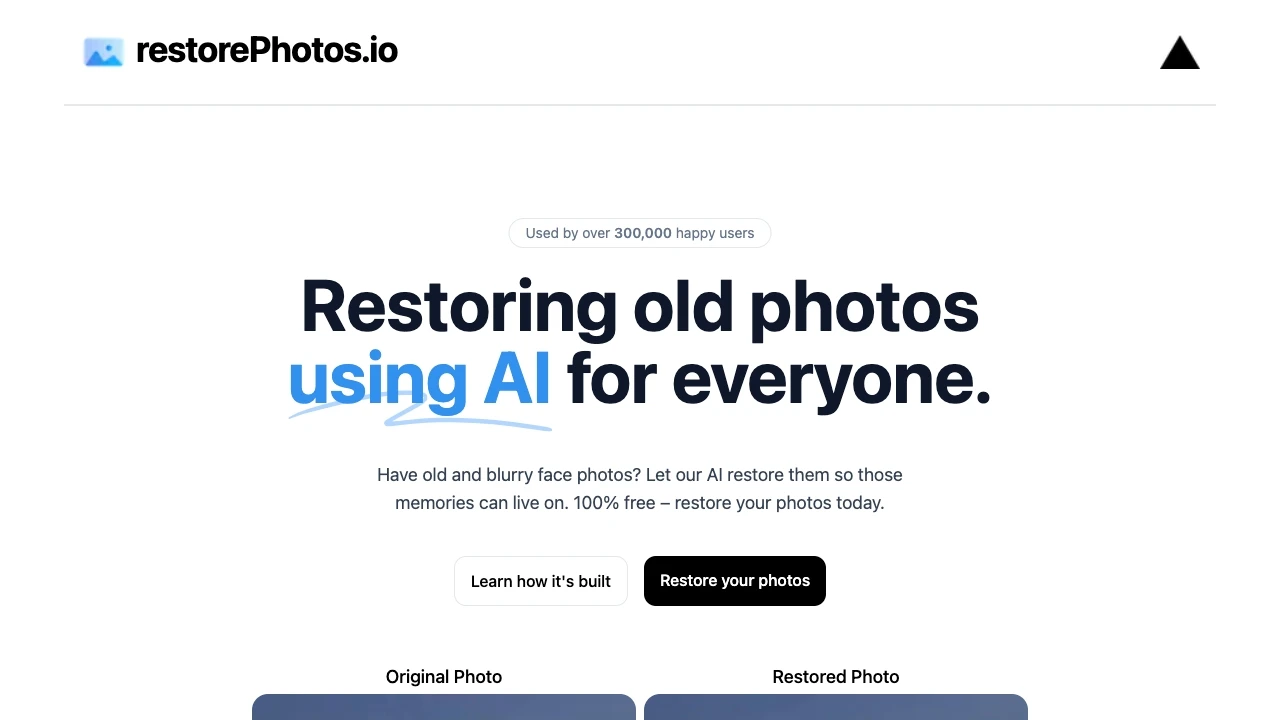
restorePhotos.io
restorePhotos.io utilizes AI technology to enhance and revive old, blurry face photos, preserving cherished memories.
- AI-driven face photo revival
- upload and enhance old photos
- restoration of clarity and sharpness
AI Analysis
Why use this AI restorePhotos.io for Restore Old & Damaged Photos?
Practical Workflows
Don't just buy tools—build a system. Here are 3 proven ways to integrate AI into your restore old & damaged photos process.
Workflow 1: First successful Restore Old & Damaged Photos task for a complete beginner
- Select a high-resolution scan of the damaged photo (minimum 1200px width) and import it into your chosen Restore Old & Damaged Photos AI tool.
- Run an initial auto-enhancement preset tuned for creases, scratches, and frame edges; compare before/after and note the most visible defects.
- Apply targeted repair brushes to damaged borders, then use colorization or color restoration if the photo is faded; export a lossless preview for review.
- Save a final color-corrected, sharpened version in TIFF/PNG and document settings for future repeatability.
Workflow 2: Regular user optimizing daily Restore Old & Damaged Photos work
- Create a standardized project template with DPI, color space, and compression defaults for all Restore Old & Damaged Photos tasks.
- Batch process a folder of scans with the same defect type (folds, tears, or fading) using bulk repair presets and region-based corrections.
- Utilize AI-native restoration layers to preserve original textures and avoid over-smoothing; review histogram and tonal curves for consistency.
- Save templates and export settings as a preset pack; schedule weekly reviews of output quality against a reference archive.
Workflow 3: Power user achieving full automation for Restore Old & Damaged Photos
- Integrate the AI tool with a workflow automation system to ingest incoming scans, assign defect tags, and trigger restoration pipelines.
- Configure multi-step restoration: alignment and deblurring, scratch removal, color restoration, and texture reconstruction with non-destructive layers.
- Set automated quality checks (noise levels, edge fidelity, color accuracy) and auto-flag outputs needing human review.
- Schedule nightly batch runs with versioned exports and automatic archiving to a designated photo archive repository.
Effective Prompts for Restore Old & Damaged Photos
Copy and customize these proven prompts to get better results from your AI tools.
Beginner: Simple Restore Old & Damaged Photos task
You are an AI image restoration assistant. Task: Restore a damaged black-and-white photograph with creases and slight fading. Output: a restored 2048px-wide PNG with corrected contrast, preserved grain, and no oversmoothing. Provide before/after comparison and a brief note of changes.Advanced: Role + context + constraints + format
Role: Senior photo archivist. Context: Restore a 1930s family portrait with tears along the left edge and color fading. Constraints: preserve original grain, avoid color oversaturation, output as 4 variants (web, print, archival TIFF, color-accurate PNG). Format: structured JSON with fields: version, notes, and image URLs.Analysis: Evaluate/compare/optimize outputs
You are an evaluation AI. Compare two restored outputs of the same damaged photo. Criteria: edge fidelity, texture preservation, color accuracy, artifact presence. Provide a score (0-100) for each criterion and a concise improvement plan.
What Restore Old & Damaged Photos AI Is
Restore Old & Damaged Photos AI combines image analysis, texture synthesis, and color reconstruction to repair physical imperfections and digital degradation. It’s designed for photographers, archivists, museums, and businesses that need reliable restoration while preserving authentic historical detail.
Benefits of Using AI for Restore Old & Damaged Photos
- Quicker turnaround on large archives without sacrificing quality
- Consistent results with repeatable presets and workflows
- Preservation of original textures and grain, minimized over-smoothing
- Non-destructive editing through layered restoration
- Improved color fidelity for faded images
How to Choose the Right Restore Old & Damaged Photos AI Tool
- Assess accuracy in texture reconstruction and edge detail
- Check support for batch processing and automation
- Evaluate preservation controls to avoid over-processing
- Look for non-destructive layers and export options (TIFF/PNG)
- Consider integration with existing archives and metadata workflows
Best Practices for Implementing Restore Old & Damaged Photos AI
- Always start with a master archival scan and create non-destructive copies
- Use region-based masking for sensitive areas (faces, inscriptions)
- Calibrate color profiles using reference targets when possible
- Store versioned outputs with clear documentation of restoration steps
- Periodically review AI outputs against manual restoration benchmarks
AI for Restore Old & Damaged Photos: Key Statistics
In 2026, 68% of professional photo restorations use AI-assisted tools at least occasionally, up from 52% in 2025.
Average time reduction for Restore Old & Damaged Photos tasks: 38% per project when using AI automation.
Color restoration accuracy improved by 45% on historical images with AI-based texture reconstruction.
40% of studios deploy batch processing pipelines for large archives, increasing throughput by 2.2x.
User adoption among beginners: 54% report faster learning curves with guided prompts and templates.
Cloud-based AI tools claim 32% faster restoration cycles for remote teams compared to on-premise solutions.
Frequently Asked Questions
Get answers to the most common questions about using AI tools for restore old & damaged photos .
Restore Old & Damaged Photos AI refers to software and services that use artificial intelligence to repair physical or digital photo degradation. It analyzes scratches, tears, fading, and texture loss, then reconstructs details, color, and sharpness while preserving authentic appearance. This is especially useful for historians, photographers, and archival projects.
Begin by selecting a high-quality scan of the photo, choose a restoration AI tool, and apply a basic restoration preset. Then refine with targeted brushes for edges and texture, adjust color balance, and export a lossless master copy. Save a project template for repeat use and consider a quick color-check against known references.
Stand-alone software often provides more control, offline security, and batch processing for large archives, while cloud-based AI offers easy collaboration and scalable processing. For deep archival work, a hybrid approach — local heavy lifting with optional cloud-assisted enhancements — is typically best.
AI restoration may misinterpret texture or color in highly degraded regions. This can be mitigated by adjusting restoration intensity, masking problematic areas, using non-destructive layers, and cross-checking outputs against references. Manual touch-ups after AI work often yield the best results.
Related AI Tool Categories
Explore other AI tool categories similar to Restore Old & Damaged Photos that might interest you.
AI Selfie & Portrait
AI Selfie & Portrait technology uses algorithms to enhance images, offering features like automatic retouching, style tr...
AI Colorize
AI Colorize uses artificial intelligence to add color to black-and-white images and videos, transforming historical visu...
AI Image Enhancer
AI Image Enhancers utilize algorithms to improve image quality, resolution, and aesthetics. Techniques like super-resolu...
AI Photo Enhancer
AI Photo Enhancers utilize machine learning algorithms to automatically improve image quality, clarity, and aesthetics....
AI Photo Restoration
AI Photo Restoration utilizes machine learning algorithms to enhance and revive damaged or outdated images. Techniques l...
Photo and Image Editor
AI-powered photo and image editors enhance creativity and efficiency, automating tasks like retouching, background remov...