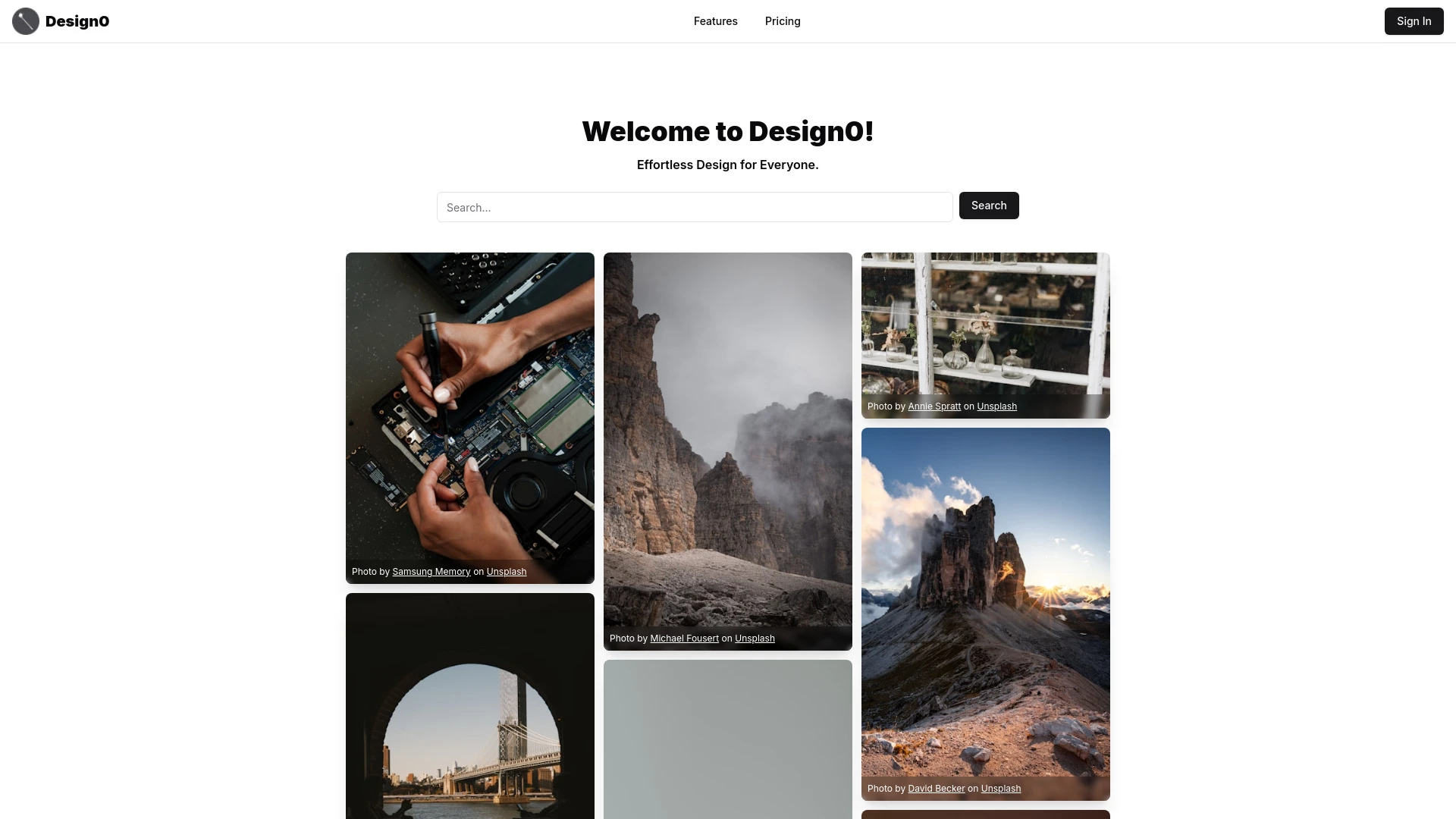
Both 'Design0' and 'Pixlr' offer freemium access to web-based image editing, but they target different workflows. 'Design0' emphasizes accessible drag-and-drop editing and real-time text-based modifications for users of all skill levels, while 'Pixlr' combines AI-powered generation with a rich template and effects library for more advanced creative work.
Easy image editing for casual users
Professional design work
Quick modifications for social media
Creating promotional materials
Easy-to-use interface
Accessible and straightforward design tools
Quick results for novice users
Image search functionality
Drag and drop masking tools
Text prompt editing
Real-time image modification
User-friendly interface
Editing personal photos
Creating social media graphics
Enhancing profile pictures
Designing YouTube thumbnails
User-friendly interface
Access to a powerful AI image generator
Extensive design templates available
AI image generation
Batch editing capabilities
Animation design tools
Efficient background removal
Extensive collage maker
'Design0' shines for fast, simple edits and accessibility, making it ideal for casual editors and fast social graphics. 'Pixlr' excels in AI-powered generation, templates, and advanced editing workflows, better suited for more ambitious design projects. Depending on your goals, a combined approach—use 'Design0' for quick edits and 'Pixlr' for AI-driven assets—offers the best of both worlds.
Both tools provide a freemium entry point with monthly subscription options. 'Design0' focuses on quick, approachable editing with intuitive tools suitable for casual users and professionals, while 'Pixlr' extends capabilities with AI image generation, batch edits, and a large template library. The combination of freemium access and scalable features enhances market accessibility and value.
No explicit performance metrics such as speed or latency are provided. The descriptions highlight real-time image modification and AI-driven features, suggesting responsive front-end interactions and back-end processing, but concrete benchmarks are not available.
'Design0' is described as intuitive and beginner-friendly with drag-and-drop masking and text prompts, enabling quick results and a gentle learning curve. 'Pixlr' emphasizes a user-friendly interface with a vast template library and cross-platform accessibility, supporting smooth onboarding for both beginners and power users. Both platforms aim to reduce friction through guided features and presets.
No third-party integrations are listed in the provided data. Both are web-based platforms, with Pixlr additionally supporting mobile usage, which broadens accessibility.
Design0 offers straightforward tools but may lack the depth of advanced photo editing or AI-powered features found in 'Pixlr'. 'Pixlr' provides extensive features and templates, which might overwhelm beginners seeking a simpler workflow.