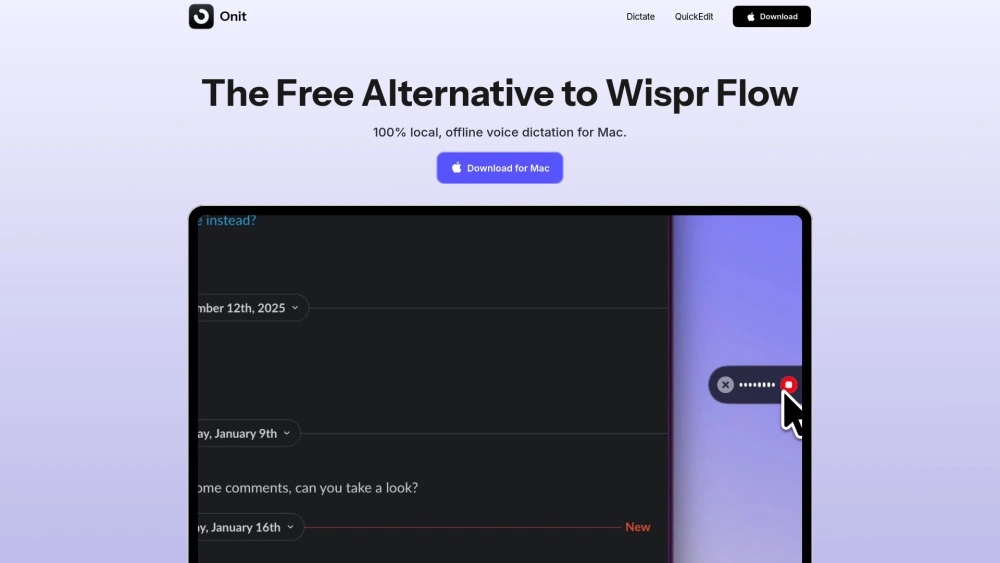
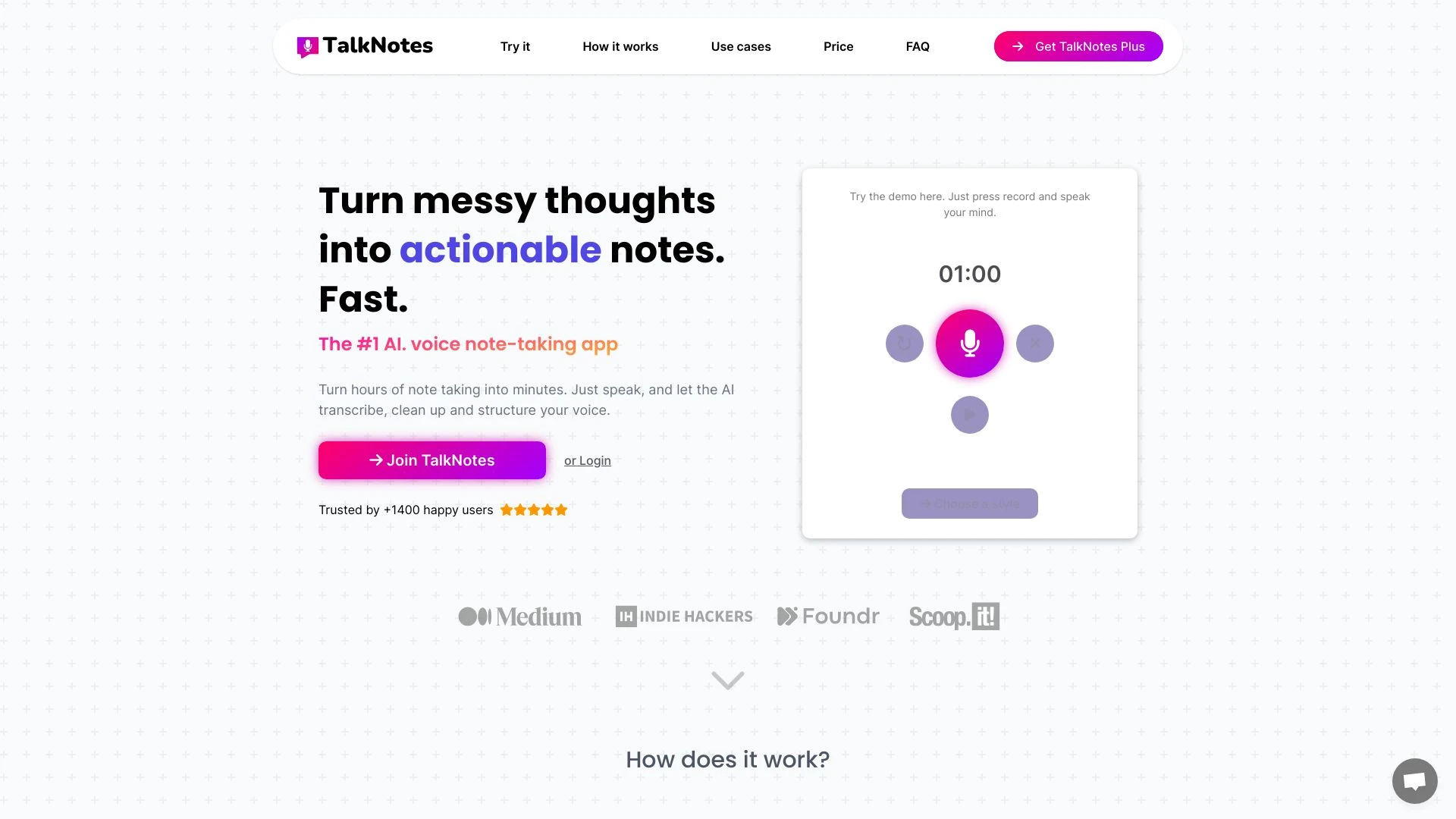
Onit delivers private on device macOS speech to text ideal for researchers and writers, while TalkNotes provides AI driven transcription plus content creation on the web across 50 languages. Each tool excels in different workflows, from private researchers to editors and students who want formatted outputs.
Drafting SEO-friendly blog posts
Generating meeting notes and action items
Writing documents in Google Docs or Notion
Dictating emails and messages in Gmail, Outlook, Slack
100% local processing
100% free
Works system-wide in macOS apps
Instant speech-to-text: Works in any app and text field
100% free: No subscription or payment required
100% local processing: Your voice never leaves your device
Smart transcript polishing: On-device AI cleans up speech
Learns your vocabulary: Adapts to your terms
Brainstorming sessions
Content generation for blogs
Personal journaling
Conducting and documenting interviews
Natural voice input
Supports over 50 languages
Flexible content formats
Voice transcription
Text cleaning and structuring
Multilingual support
Content creation for diverse formats
Organizational tools like tagging
If your core need is private offline transcription on a Mac, Onit is the clear choice with instant on device performance and zero data leaving your machine. If you require web based access, multi language support, and built in content creation and organization, TalkNotes delivers broader workflow capabilities. Choose Onit for private researchers and writers, TalkNotes for collaborative, language rich note taking and content creation.
Onit price is 0.00 free with monthly billing and a subscription model, focusing on on device privacy. TalkNotes costs 59.00 paid with annual billing, reflecting its web based access and broader feature set for transcription and content creation. The contrast highlights accessibility and privacy versus extended functionality across formats and languages.
Onit promises instant speech to text with 100% local processing on macOS, delivering low latency and private transcripts. TalkNotes relies on AI driven transcription and structuring across 50+ languages and multiple formats, however concrete speed metrics are not provided, so the architecture favors web based scalability.
Onit offers system wide macOS support with a hold to record shortcut and a beginner friendly interface, and all processing stays on the device for privacy. TalkNotes provides a clean web based editing environment with easy access to transcripts summaries and emails, plus tagging for organization. Both aim to minimize manual edits, but in different contexts.
Onit has no direct integrations listed. TalkNotes runs on the Web platform and supports multi language transcription and content creation within that ecosystem.
Onit has no listed direct integrations and is macOS desktop focused, which may limit cross platform use. TalkNotes being web based implies reliance on internet connectivity and ongoing subscription access.