Sponsored by BrandGhost BrandGhost is a social media automation tool that helps content creators efficiently manage and schedule their social media... Visit now

Convert PDF to JSON versus JSONEditor.io

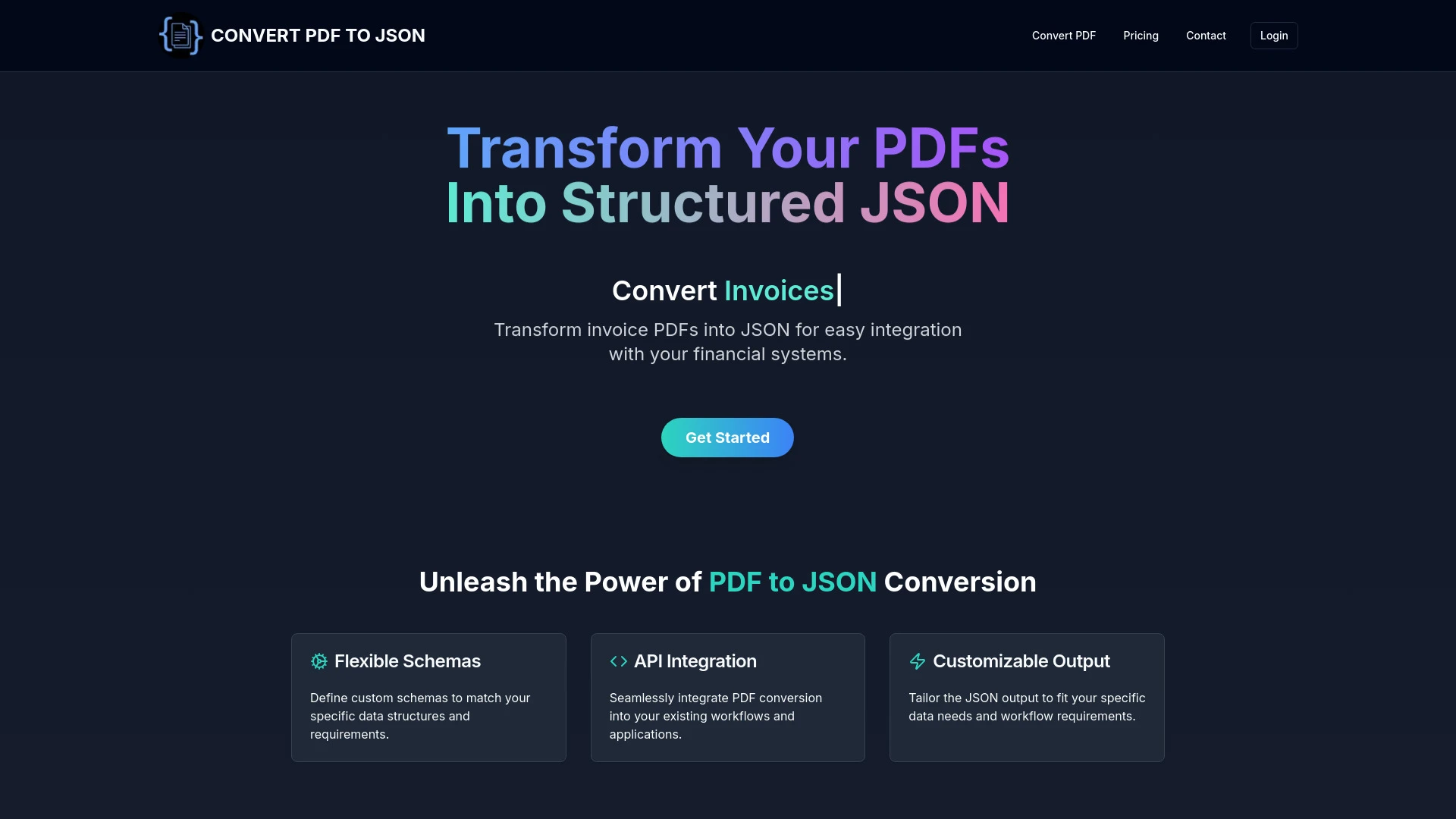
JSONEditor.io and Convert PDF to JSON address different data tasks for end users. JSONEditor.io excels at editing validating and converting JSON YAML and XML across web workflows, while Convert PDF to JSON focuses on turning PDFs into structured JSON with schema customization and API access.

Convert PDF to JSON vs JSONEditor.io Overview

Last updated: May 2026

Ideal For

    Automate resume parsing for HR efficiency

    Standardize job application data for analysis

    Facilitate data migration projects

    Streamline document aggregation processes

Key Strengths

    Simplifies complex document processing

    Reduces manual data entry errors

    Saves time and increases efficiency

Core Features

    Custom schemas for data structure

    API integration

    Customizable JSON output

    Efficient document processing

    User-friendly interface

Ideal For

    Modify and validate JSON data for web applications

    Convert JSON to CSV for spreadsheet use

    Edit YAML and XML data seamlessly

    Collaborate with team members using shareable links

Key Strengths

    User-friendly interface for easy navigation

    Supports multiple data formats

    Enhances collaboration with shareable links

Core Features

    Real-time JSON editing

    Automatic error detection and repair

    Offline editing support

    User-friendly data conversion options

    Shareable links for collaboration

Popularity

Very Low Unknown number of visitors
Growing popularity
Very Low Unknown number of visitors
Growing popularity

At a Glance

For broad multi format editing and collaboration needs, JSONEditor.io is the recommended choice. For PDF to JSON extraction with schema control and automation, Convert PDF to JSON is the preferred option. If both capabilities are required, use JSONEditor.io for editing and validation and Convert PDF to JSON for PDF driven extraction.

Pricing and Subscription Plans

JSONEditor.io offers a freemium model with a 0.00 price point and monthly billing under a subscription framework, making it accessible for individuals and teams. Convert PDF to JSON is a paid option priced at 19.00 per month, with a monthly subscription. Both prioritize core features and value over price alone, depending on the intended use case.

Performance Metrics

Tool A emphasizes real time editing and offline support for robust editing workflows, while Tool B highlights efficient document processing and multi file handling for batch conversions. No explicit speed metrics are provided; the tools rely on their architectural strengths to deliver reliable results.

User Experience

JSONEditor.io offers a user friendly web interface with drag and drop, real time editing, and shareable links for collaboration, supporting quick onboarding for developers and analysts. Convert PDF to JSON provides a straightforward web interface with schema customization and API access, suitable for users needing structured JSON from PDFs. Both prioritize intuitive workflows, though Tool A covers broader data formats and collaboration needs.

Integrations and Compatibility

Tool A is web based with collaboration features via shareable links; Tool B offers API integration to automate workflow and supports multi file processing for batch tasks.

Limitations and Drawbacks

Tool A may be more feature rich and complex for simple JSON tasks, and the freemium model may impose limits on advanced features. Tool B is a paid specialty tool focused on PDF to JSON conversion, which may limit broader use cases.

Frequently Asked Questions

What is the main difference between Convert PDF to JSON and JSONEditor.io?
The key difference between Convert PDF to JSON and JSONEditor.io lies in their core use cases, pricing models, and feature depth. Convert PDF to JSON typically focuses on specific workflows, while JSONEditor.io offers broader capabilities suitable for different teams and scenarios.
Which is better for teams: Convert PDF to JSON or JSONEditor.io?
JSONEditor.io is often a better fit for growing teams that need collaboration, governance, and integrations, while Convert PDF to JSON can be ideal for individuals or smaller teams who want a simpler, more focused solution.
Is Convert PDF to JSON more affordable than JSONEditor.io?
Pricing depends on your usage and plan tiers. Convert PDF to JSON may offer a lower entry price, while JSONEditor.io can provide more value at scale with advanced features included in higher-tier plans.
Can I use both Convert PDF to JSON and JSONEditor.io together?
Yes, many teams combine both tools in their workflows to cover different use cases. Always review integrations and overlapping features to avoid paying twice for similar functionality.

Related Comparisons