Recommended AI Tools
5We've analyzed the market. These tools offer specific features for virtual try-on for fashion.
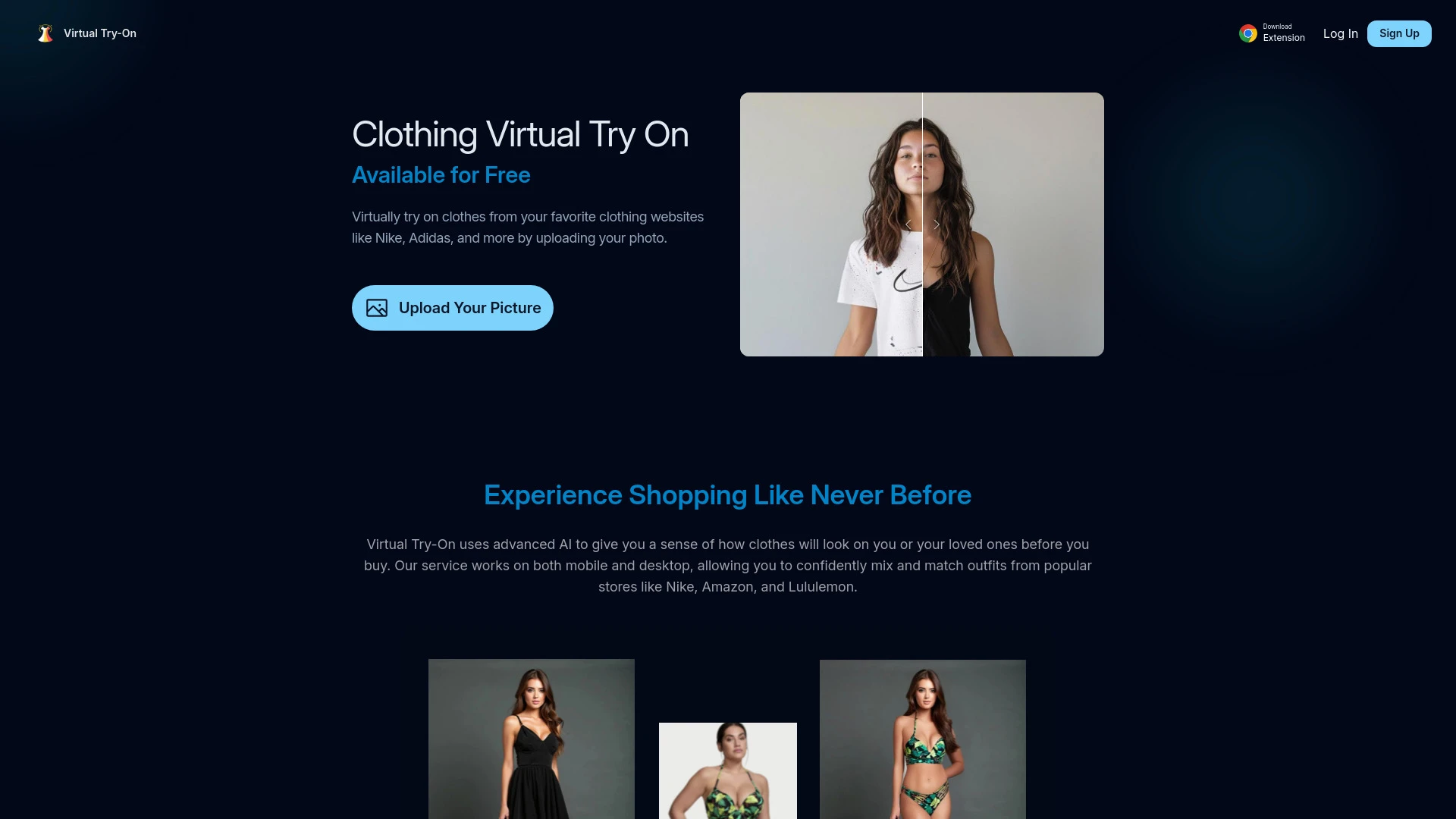
Virtual Try-On
Virtual Try-On is an AI tool that enables users to see how clothes look on them using advanced visualization technology before making a purchase.
- Advanced AI for realistic clothing visualization
- Available on mobile and desktop
- Quick and easy try-on process
AI Analysis
Why use this AI Virtual Try-On for Virtual Try-On For Fashion?
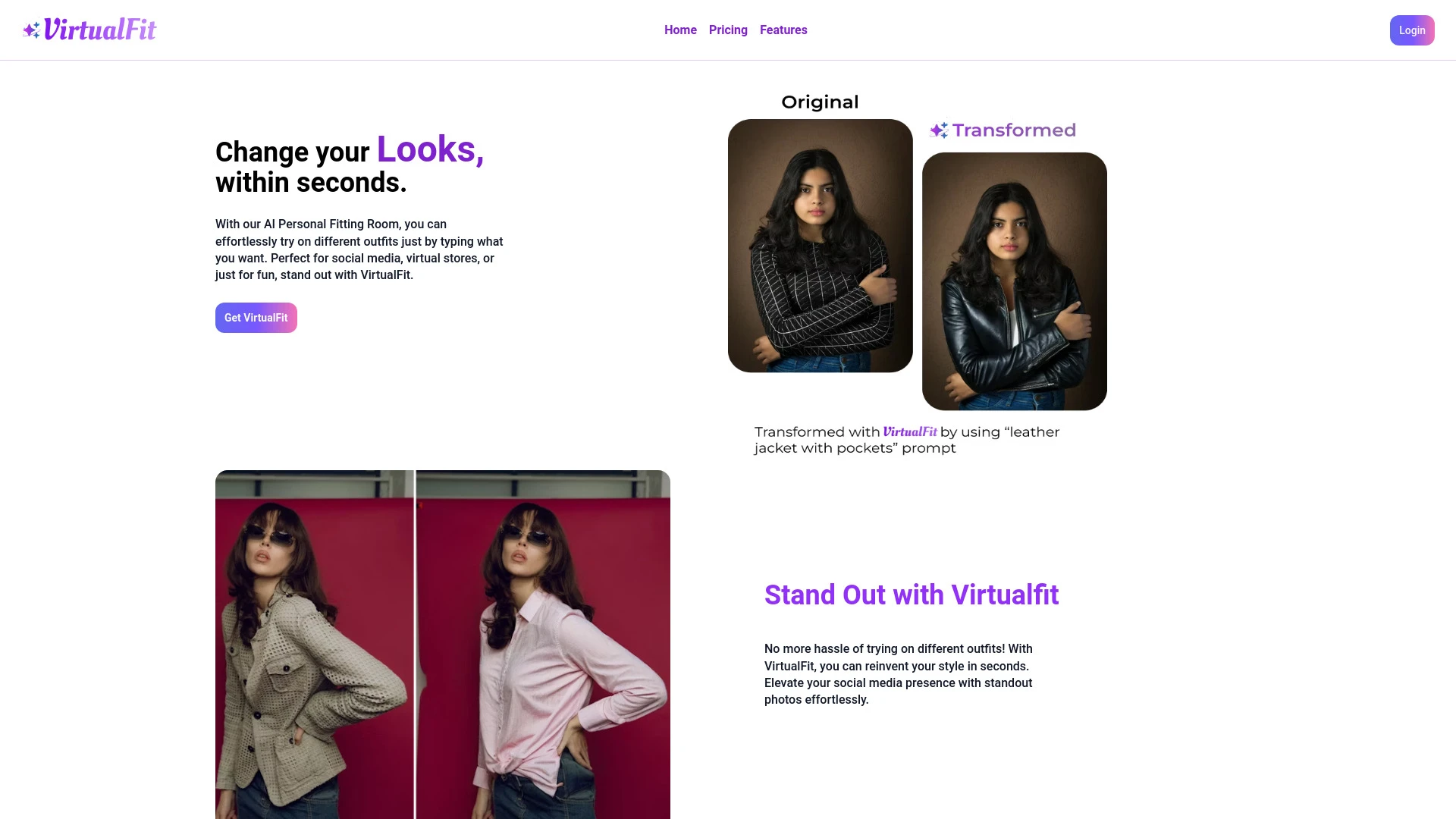
VirtualFit AI
VirtualFit AI is an advanced AI tool enabling users to effortlessly change their looks and outfits using innovative image transformation technology.
- AI-powered outfit changer
- Virtual fitting room experience
- Advanced photo enhancement
AI Analysis
Why use this AI VirtualFit AI for Virtual Try-On For Fashion?
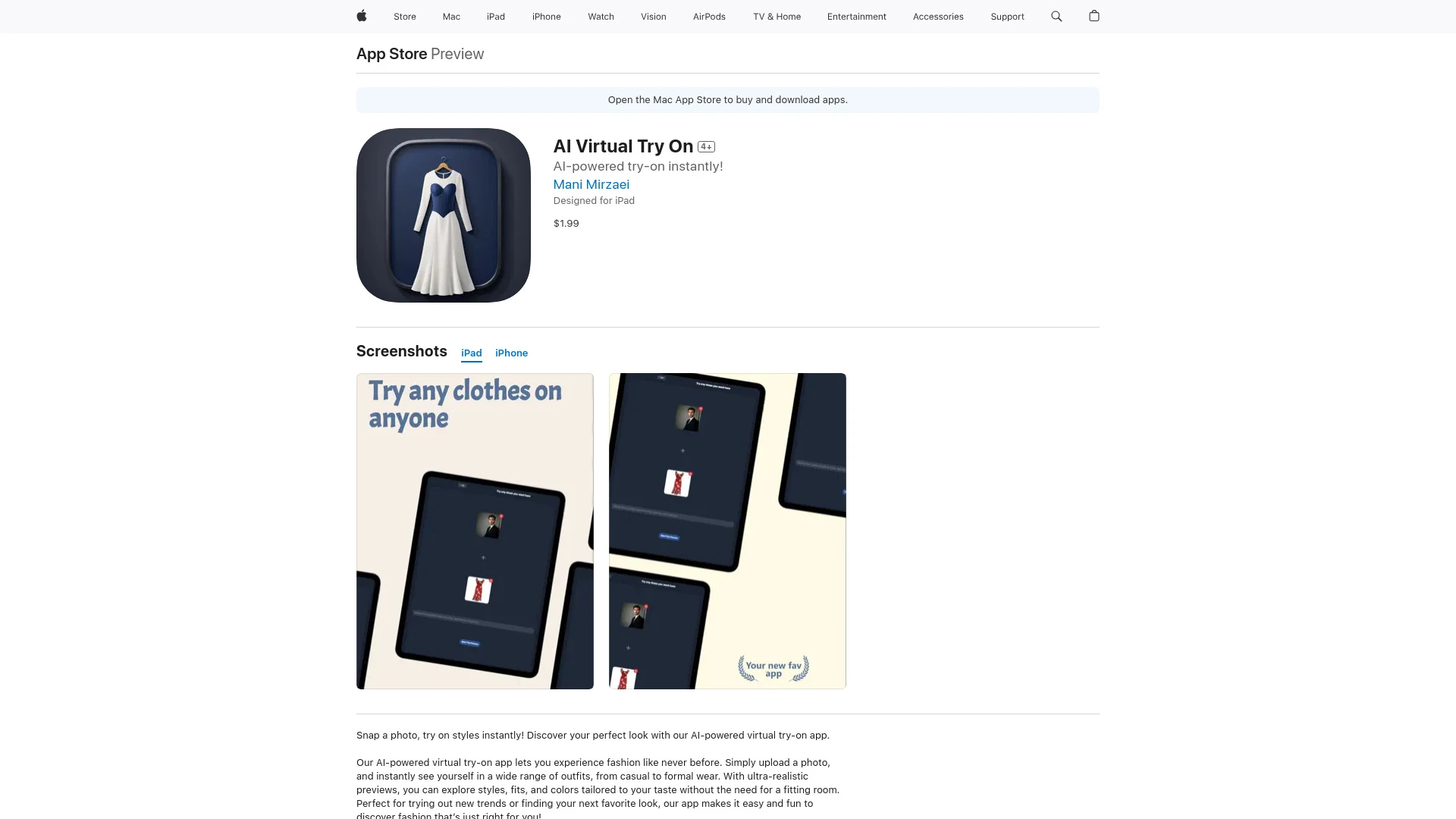
AI Virtual Try On allows users to upload their photos and see themselves in various clothing styles, making outfit shopping more convenient and fun.
- AI-powered virtual fitting
- Ultra-realistic outfit previews
- Extensive range of styles
AI Analysis
Why use this AI AI Virtual Try On for Virtual Try-On For Fashion?
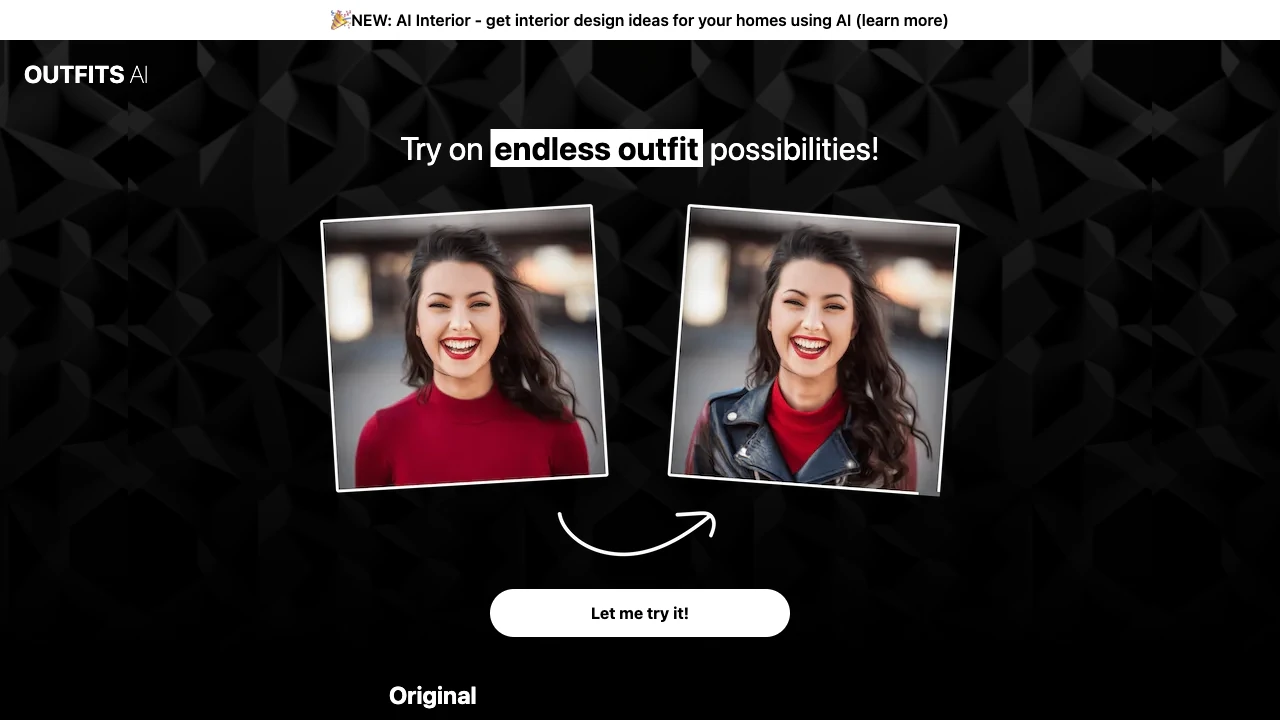
Outfits AI
Outfits AI offers a virtual outfit try-on experience using AI technology, allowing users to visualize clothing selections effectively.
- Virtual try-on of outfits
- Upload own photo or use virtual model
- Wide selection of clothing items
AI Analysis
Why use this AI Outfits AI for Virtual Try-On For Fashion?

Transform your wardrobe using AI for virtual outfit tries and creation.
- Realistic Virtual Fitting
- Inclusive Size Range
- Enhanced Detailing with Post-hoc Refiner
AI Analysis
Why use this AI Outfit Changer AI for Virtual Try-On For Fashion?
Practical Workflows
Don't just buy tools—build a system. Here are 3 proven ways to integrate AI into your virtual try-on for fashion process.
Workflow 1: First successful Virtual Try-On For Fashion task for Complete beginner
- Define a single garment category (e.g., women's dresses) and select a standard model body type and size range.
- Upload 5-10 product images and set up a base sizing map to match retailers’ size charts.
- Run a trial session to render 3 outfits on the model, verify pixel accuracy, and capture feedback for refinement.
Workflow 2: Optimize daily Virtual Try-On For Fashion work for Regular user
- Create a reusable wardrobe template with 20-30 items and assigned size presets.
- Automate batch rendering of new arrivals against the template, including color variations.
- Review analytics: print/screen fit accuracy, average avatar deviation, and time-to-render per look; iterate thresholds.
Workflow 3: Full Virtual Try-On For Fashion automation for Power user
- Integrate product feed, model library, and size charts into a single pipeline with CI/CD for asset updates.
- Set up auto-quality checks: occlusion handling, seam alignment, and texture fidelity alerts.
- Schedule periodic A/B tests comparing two rendering engines or garment textures to optimize realism and speed.
Effective Prompts for Virtual Try-On For Fashion
Copy and customize these proven prompts to get better results from your AI tools.
Beginner
Create a simple Virtual Try-On For Fashion scene: a single garment (red silk dress), one model, standard lighting, render 3 angles, provide a PNG gallery and a brief description of fit.Advanced
Act as a fashion AI engineer. Context: Build a Virtual Try-On For Fashion pipeline for a mid-size brand. Constraints: 4 garment types, 3 body types, 5 colorways each, ensure texture fidelity, export assets in GLTF and PNG with consistent lighting, provide a performance report.Analysis
Compare two Virtual Try-On For Fashion AI outputs: assess realism, fit accuracy, rendering time, and user satisfaction. Provide a side-by-side table, score each criterion (1-10), and recommend improvements.
What is Virtual Try-On For Fashion AI?
Virtual Try-On For Fashion AI combines computer vision, 3D garment simulation, and avatar rendering to preview clothing on a likeness of a customer or model. It benefits retailers by reducing returns, accelerating shopping journeys, and enabling personalized experiences. This section targets both professionals evaluating AI solutions and beginners exploring how AI can enhance online fashion trials.
Benefits of Using AI for Virtual Try-On For Fashion
- Improved conversion rates through accurate fit visualization.
- Lower return rates by reducing uncertainty at purchase.
- Scalable product previews with rapid batch rendering for new collections.
- Personalization via avatar-based size and fit recommendations.
- Seamless omnichannel experiences by syncing with ecommerce and mobile apps.
How to Choose the Best AI Tools for Virtual Try-On For Fashion
- Render realism: texture fidelity, lighting, and fabric behavior under movement.
- Avatar accuracy: adjustable body types, sizing charts, and facial features if needed.
- Integration: APIs, product catalog compatibility, and CMS/PLM links.
- Performance: latency, batch processing, and cloud vs. on-prem options.
- Cost and scalability: subscription tiers, usage limits, and enterprise discounts.
Best Practices for Implementing Virtual Try-On For Fashion AI
- Do: start with a pilot on a narrow product category to calibrate fit and visuals.
- Do: validate against real customer feedback and optimize sizing data regularly.
- Do: maintain data governance for model assets and ensure accessibility compliance.
- Don't: overpromise realism; clearly communicate limitations and build fallback options.
- Do: monitor performance metrics (conversion, engagement, return rate impact) to justify expansion.
AI for Virtual Try-On For Fashion: Key Statistics
Global adoption of Virtual Try-On For Fashion AI grew by 42% in 2025 with continued acceleration into 2026.
Retailers report a 15-25% average decrease in return rates after implementing AI-driven try-on workflows.
Average time to render a new garment look is 2.3 seconds per view under optimized pipelines.
Over 60% of fashion brands using AI-powered try-on plan to increase investment in avatar customization in 2026.
Free Virtual Try-On For Fashion AI options exist but premium features drive higher accuracy and compliance for retailers.
Businesses adopting end-to-end try-on automation see a 20-35% uplift in online conversion within the first quarter.
Frequently Asked Questions
Get answers to the most common questions about using AI tools for virtual try-on for fashion .
Virtual Try-On For Fashion AI uses computer vision, 3D rendering, and synthetic avatars to simulate how clothing items look on a model or user, enabling shoppers to try before buying and brands to showcase fit and style without physical inventory.
Begin by selecting a scalable AI toolset that supports garment geometry, avatar customization, and integration with your product catalog. Prepare standard models and size mappings, upload a garment library, and run pilot tests with real users to calibrate fit and visuals.
The best tool depends on your needs: for high realism and rapid iteration, prioritize accurate garment simulation and texture rendering; for speed and scalability, focus on automated pipelines, API integrations, and robust model libraries. Compare render quality, latency, and ease of integration across options.
Common issues include misaligned seams, texture stretching, and poor avatar fitting. Troubleshoot by validating input garment meshes, checking texture maps, refining body measurements, and ensuring consistent lighting and camera parameters in your pipeline.
Related AI Tool Categories
Explore other AI tool categories similar to Virtual Try-On For Fashion that might interest you.
AI Video Search
AI Video Search leverages machine learning and computer vision to improve video content retrieval by analyzing visual an...
AI Selfie & Portrait
AI Selfie & Portrait technology uses algorithms to enhance images, offering features like automatic retouching, style tr...
AI Photo Enhancer
AI Photo Enhancers utilize machine learning algorithms to automatically improve image quality, clarity, and aesthetics....
AI Cosplay Generator
The AI Cosplay Generator uses advanced algorithms to create customized costume designs based on user inputs, such as pre...
AI Video Enhancer
AI Video Enhancer utilizes machine learning algorithms to upscale video resolution, improve clarity, and stabilize image...
AI Clothing Generator
The AI Clothing Generator uses algorithms to create unique apparel designs by analyzing trends, fabrics, and styles. It...