Recommended AI Tools
5We've analyzed the market. These tools offer specific features for repurpose youtube videos into shorts.

UseShorts
UseShorts automates the transformation of YouTube videos into engaging Shorts, enhancing content reach effortlessly.
- Automated clip creation from YouTube videos
- Daily posting to YouTube Shorts
- Subtitle addition to generated clips
AI Analysis
Why use this AI UseShorts for Repurpose Youtube Videos Into Shorts?

AI Video Generator Hub is a platform for creating tailored AI videos for YouTube Shorts, allowing users to personalize characters, motions, and voiceo...
- AI-powered storytelling
- personalized character and motion selection
- customizable voiceover options
AI Analysis
Why use this AI AI Video Generator Hub for Repurpose Youtube Videos Into Shorts?
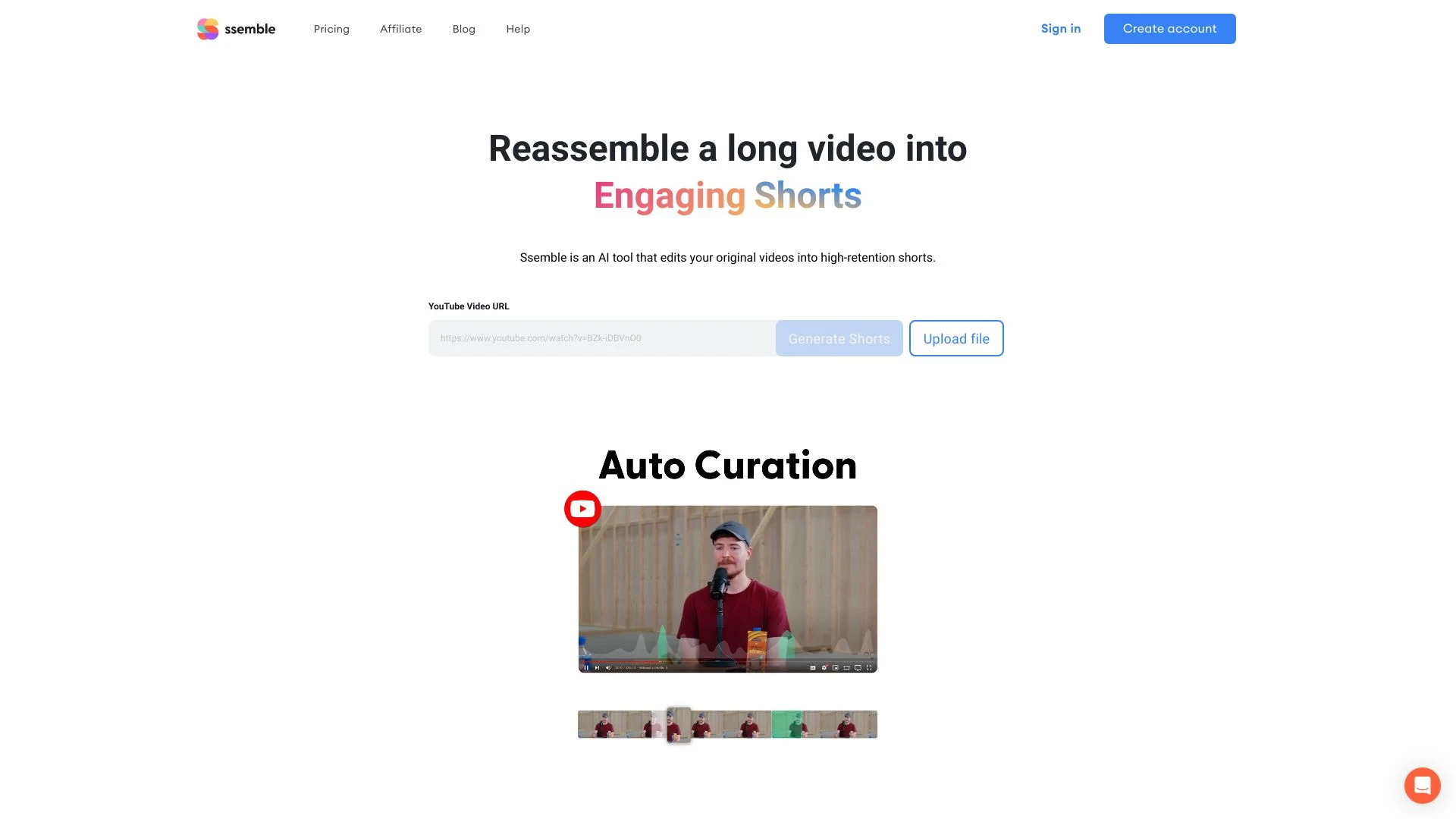
Ssemble YouTube Shorts Maker automates the creation of engaging short clips from long-form videos, making it ideal for content creators and marketers.
- Automatic short clip generation
- AI video editing and compilation
- Auto captioning
AI Analysis
Why use this AI Ssemble YouTube Shorts Maker for Repurpose Youtube Videos Into Shorts?

FastShorts
FastShorts is an advanced AI tool for effortlessly creating engaging TikTok and YouTube Shorts without showing your face.
- AI-driven video generation
- Extensive content customization options
- Multi-platform publishing capabilities
AI Analysis
Why use this AI FastShorts for Repurpose Youtube Videos Into Shorts?
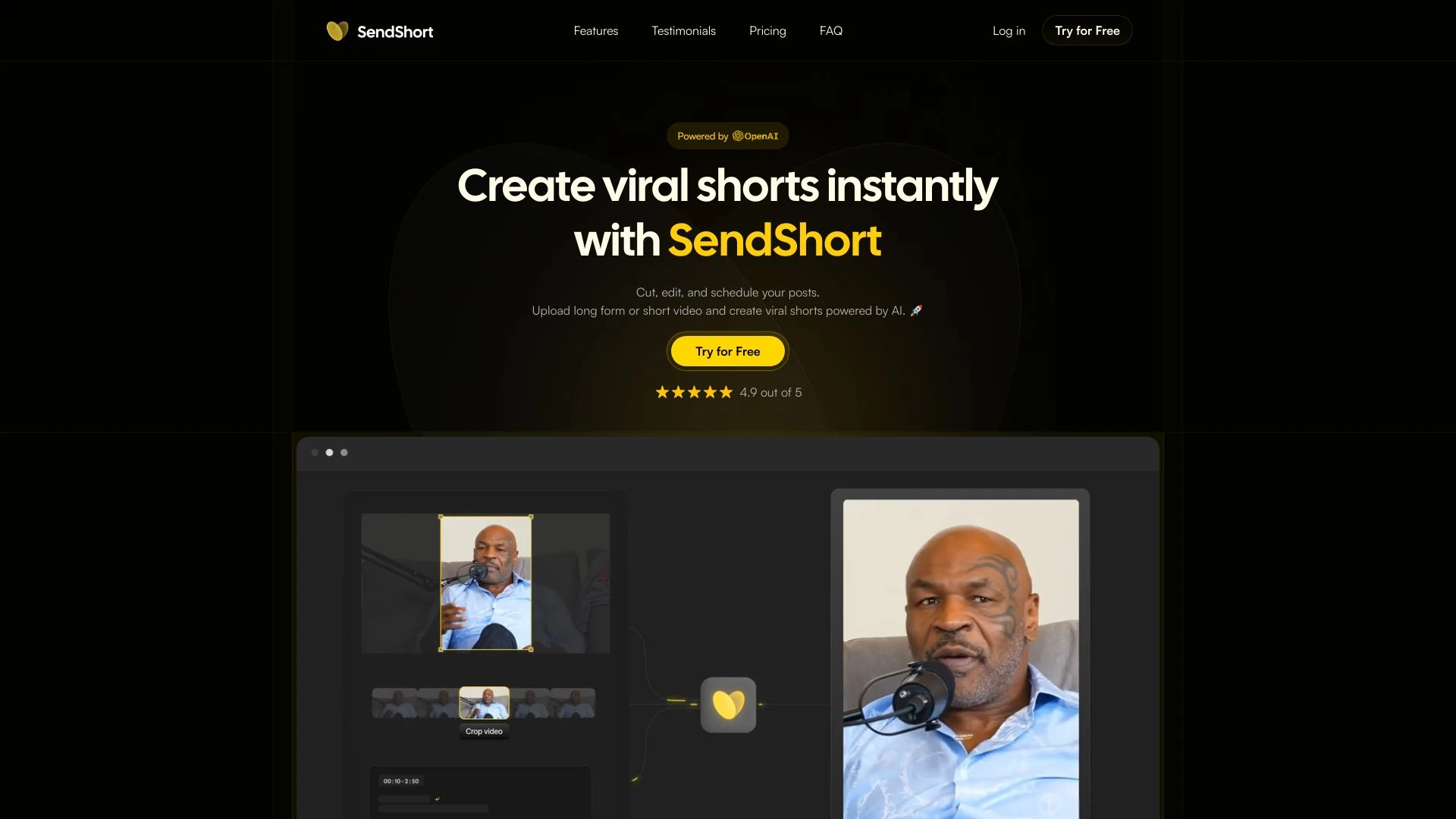
SendShort
SendShort is an AI-driven video editing tool designed to create viral shorts from long-form content effortlessly.
- Create viral shorts instantly
- Automated cropping
- Subtitles templates
AI Analysis
Why use this AI SendShort for Repurpose Youtube Videos Into Shorts?
Practical Workflows
Don't just buy tools—build a system. Here are 3 proven ways to integrate AI into your repurpose youtube videos into shorts process.
Workflow 1: Turn a single YouTube video into a ready-to-publish Shorts clip (Beginner)
- Import the YouTube video URL into your AI editing tool and extract a 15-60 second segment that contains a strong hook within the first 3 seconds.
- Auto-generate captions with time-stamped punctuation, then adjust the font size and color for readability on mobile screens.
- Apply a vertical 9:16 aspect ratio, trim dead air, add quick transitions, and export in MP4 with a catchy thumbnail and title.
Workflow 2: Daily repurposing pipeline for Regular users
- Create a batch of 5-10 Shorts from a single channel’s latest long-form videos, using automatic scene-change detection to select candidate clips.
- Generate optimized titles and 5-7 second hook variants, A/B test thumbnails, and publish to YouTube Shorts with consistent hashtags.
- Schedule daily uploads, monitor performance metrics, and iteratively select clips with highest 7-day view velocity.
Workflow 3: Full automation for Power users
- Set up an automation that ingests new YouTube videos from a channel, segments into multiple Shorts, and queues exports with unique metadata per clip.
- Configure automatic captioning, translation options, and brand-consistent overlays (logos, colors) for all Shorts.
- Push outputs to your CMS or scheduler, trigger analytics dashboards, and iterate on the top-performing formats weekly.
Effective Prompts for Repurpose Youtube Videos Into Shorts
Copy and customize these proven prompts to get better results from your AI tools.
Beginner
You are an AI editor. Given a 10-minute YouTube video, generate a single 30-second vertical clip (9:16) with a strong hook in the first 3 seconds, add accurate captions, and output: final video file, title, description, and thumbnail suggestion.Advanced
Act as a Video Growth Specialist. For the channel NicheX, ingest the latest 3 long-form videos, produce 5 Shorts per video with different hooks, translate captions into 3 languages, apply brand kit, publish-ready metadata, and provide a performance forecast for each Short.Analysis
Evaluate a list of 20 Shorts produced from long-form videos. Compare hook duration, caption accuracy, and watch-time retention. Recommend the top 3 clips to boost weekly engagement and propose improvements for the remaining 17.
What is Repurpose Youtube Videos Into Shorts AI
Repurpose Youtube Videos Into Shorts AI is the application of artificial intelligence to convert long YouTube videos into short, vertical clips optimized for platforms like YouTube Shorts. It helps automate clipping, captioning, formatting, thumbnail creation, and publication, making it easier for professionals and beginners to leverage existing content.
Benefits of AI for Repurpose Youtube Videos Into Shorts
- Faster content repurposing with automated clipping and editing
- Improved accessibility through auto-generated captions
- Consistent branding and styling across Shorts
- Scalable workflow for daily or bulk publishing
- Data-driven optimization via performance insights
How to Choose AI Tools for Repurpose Youtube Videos Into Shorts
- Output quality: clip relevance, caption accuracy, and visual polish
- Automation level: manual tweaks vs. full automation
- Platform compatibility: YouTube Shorts, TikTok, Instagram
- Cost and value: free vs. paid plans with scalable features
- Support and updates: vendor responsiveness and feature roadmaps
Best Practices for Implementing Repurpose Youtube Videos Into Shorts AI
- Define a 6- to 8-week testing plan with clear KPIs
- Keep hooks within the first 3 seconds and use vertical framing
- Include captions as a default, with accuracy checks
- Maintain consistent branding and call-to-action prompts
- Monitor analytics and iterate on top-performing formats
AI for Repurpose Youtube Videos Into Shorts: Key Statistics
Global adoption of Repurpose Youtube Videos Into Shorts AI tools grew 68% year-over-year in 2025
Average time to produce a Shorts clip from a long-form video dropped from 7 minutes to 2.5 minutes using AI in 2024-2025
Top AI tools report a 32% higher engagement rate on Shorts compared to manually edited clips
70% of creators used AI to generate captions for Shorts in 2025
Workflow automation adoption for Repurpose Youtube Videos Into Shorts increased by 54% in 2025 among mid-sized teams
For enterprises, 54% of marketing teams plan to scale Shorts production with AI in 2026
Frequently Asked Questions
Get answers to the most common questions about using AI tools for repurpose youtube videos into shorts .
Repurpose Youtube Videos Into Shorts AI refers to AI-powered tools and workflows that automatically extract, edit, format, caption, and optimize long YouTube videos into short, vertical content suitable for YouTube Shorts and other short-video platforms.
Begin by selecting a high-performing long-form YouTube video, choose a 15-60 second segment with a strong hook, enable auto-captions and vertical formatting, and publish with optimized titles and thumbnails. Iterate based on performance data.
For beginners, free AI options provide basic clipping and captioning. Paid tools typically offer advanced auto-cut detection, brand kits, analytics, and better export options. Start with a free plan to learn, then upgrade as needs grow.
Common issues include incorrect aspect ratio, missing captions, or clips without a strong hook. Verify format settings (9:16), ensure audio is in the correct track, and check that the input video has sufficient quality for automatic processing.
Related AI Tool Categories
Explore other AI tool categories similar to Repurpose Youtube Videos Into Shorts that might interest you.
AI YouTube Assistant
The AI YouTube Assistant leverages advanced algorithms to enhance user experience by personalizing content recommendatio...
AI Short Clips Generator
The AI Short Clips Generator leverages machine learning to automatically create concise video segments from longer conte...
AI Animated Video
AI Animated Video leverages artificial intelligence to automate and enhance the animation process. Tools like DeepArt an...
AI Video Generator
AI Video Generators utilize algorithms to create videos from text, images, or audio, enhancing content creation. Applica...
AI Personalized Video Generator
The AI Personalized Video Generator leverages AI algorithms to create tailored video content for users, analyzing prefer...
AI User-Generated Content Video Generator
The AI User-Generated Content Video Generator leverages artificial intelligence to automate video creation from user inp...