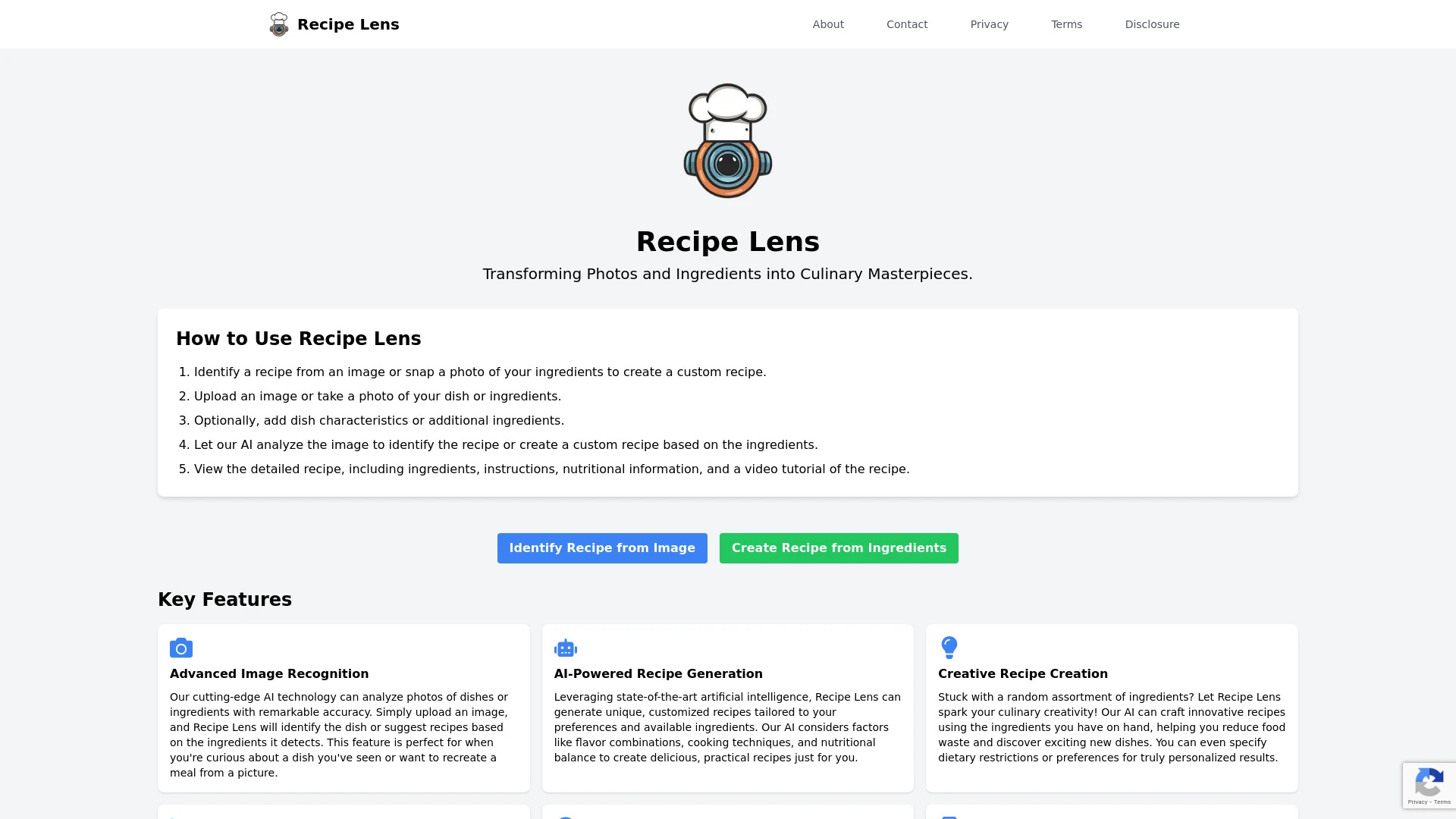
Babel Dish translates menu items from photos to the users language, ideal for travelers and food enthusiasts. Recipe Lens identifies dishes from photos and generates personalized recipes based on available ingredients, targeting home cooks and meal planners.
Travelers exploring foreign restaurants
Food enthusiasts discovering new dishes
Restaurant reviews in foreign languages
Culinary students learning international menus
Fast and accurate translations
Easy to use interface
Encourages culinary exploration
Instant menu translation
User-friendly photo upload
Detailed descriptions of dish ingredients
Multi-language support
Fast AI-driven analysis
Identify a recipe from a photo
Generate recipes using leftover ingredients
Explore new meal ideas
Save time on meal planning
Saves time on meal preparation
Encourages creativity in the kitchen
Helps minimize food waste
Advanced image recognition
AI-powered recipe generation
Creative recipe creation
Detailed step-by-step cooking instructions
Comprehensive nutritional information
For translation focused tasks Babel Dish is the natural choice. For cooking and meal planning from images Recipe Lens shines. In many cases using both tools gives a comprehensive translation and cooking planning workflow.
Babel Dish is offered as a free service with one time billing and a consumption based model. Recipe Lens uses a freemium price with monthly subscription billing. This means Babel Dish emphasizes broad accessibility with no upfront cost while Recipe Lens monetizes ongoing usage and premium features. Both aim to balance value with ease of access.
No speed or reliability metrics are provided. Babel Dish highlights fast AI driven analysis for instant translations, while Recipe Lens relies on advanced image recognition and recipe generation and remains a web based, fully responsive design.
Babel Dish provides a user friendly photo upload flow and instant translations aimed at travelers and language learners. Recipe Lens offers an intuitive interface with detailed instructions and nutritional data, suitable for cooks and diet planning. Both are designed as web apps with straightforward onboarding.
No explicit third party integrations are listed; both run as standalone web platforms.
Both tools are web based with no listed mobile apps. The feature sets focus on translation or recipe generation, which may require switching between tools for a full kitchen workflow.