Sponsored by BrandGhost BrandGhost is a social media automation tool that helps content creators efficiently manage and schedule their social media... Visit now

Browse AI versus Webtap.ai

Browse AI and Webtap.ai are no code tools for web data extraction designed for end users. Browse AI focuses on structured automation with prebuilt robots and seven thousand plus integrations, while Webtap.ai emphasizes natural language driven requests and unlimited scraping. Both aim to reduce setup time and enable rapid data collection across many sites.

Browse AI vs Webtap.ai Overview

Last updated: May 2026

Browse AI

0

Ideal For

    Monitor Company Info on LinkedIn

    Extract Job Listings from LinkedIn

    Scrape Apps List from Google Workspace Marketplace

    Retrieve Job Postings List from Upwork

Key Strengths

    User-friendly interface

    Requires no coding skills

    Flexible subscription plans

Core Features

    Data Extraction

    Monitoring

    Prebuilt Robots

    Bulk Run

    Emulate User Interactions

Webtap.ai

0

Ideal For

    Extract data from any website using natural language

    Market research and analysis

    Competitive intelligence gathering

    Academic research data collection

Key Strengths

    User-friendly interface

    No technical skills required

    Unlimited data requests

Core Features

    Unlimited requests

    Flexible data extraction interface

    No coding required

    Natural language queries

    Automatic captcha solving

Popularity

Very High 347,900 visitors
Growing popularity
Very Low Unknown number of visitors
Growing popularity

At a Glance

Browse AI is the preferred choice for enterprise grade automation with broad integrations and repeatable workflows. Webtap.ai excels for rapid ad hoc data collection using natural language prompts and unlimited requests. For many teams a combined approach works best, using Browse AI for governance heavy scraping and Webtap.ai for fast, flexible data gathering.

Pricing and Subscription Plans

Both tools offer a freemium entry and subscription based models. Exact tier details are not provided here, but the emphasis is on accessible pricing and scalable value. Browse AI offers flexible subscription options with prebuilt robots and broad integrations, while Webtap.ai provides unlimited requests and natural language control, shaping value for different use cases.

Performance Metrics

Explicit speed or reliability metrics are not disclosed. Both tools promise user friendly experiences and robust data extraction; Webtap.ai claims fast extractions and seamless exports, while Browse AI highlights its ability to auto adapt to site layout changes and handle pagination and captchas.

User Experience

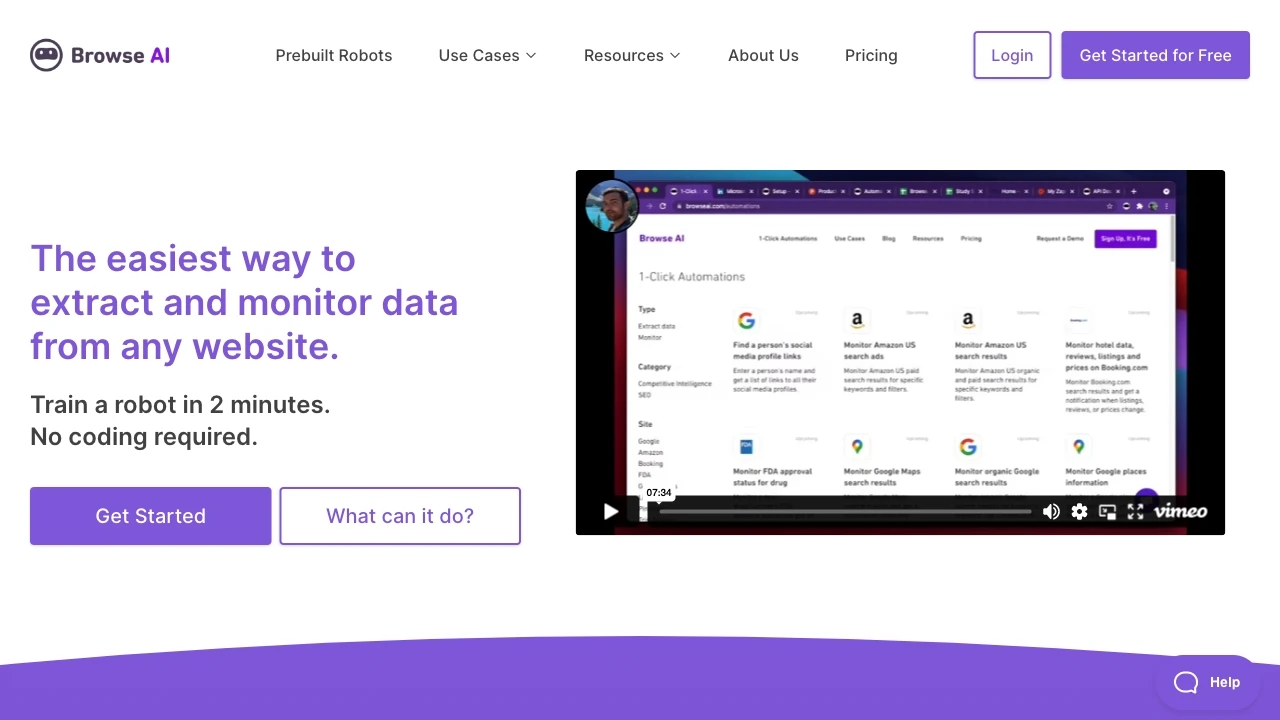
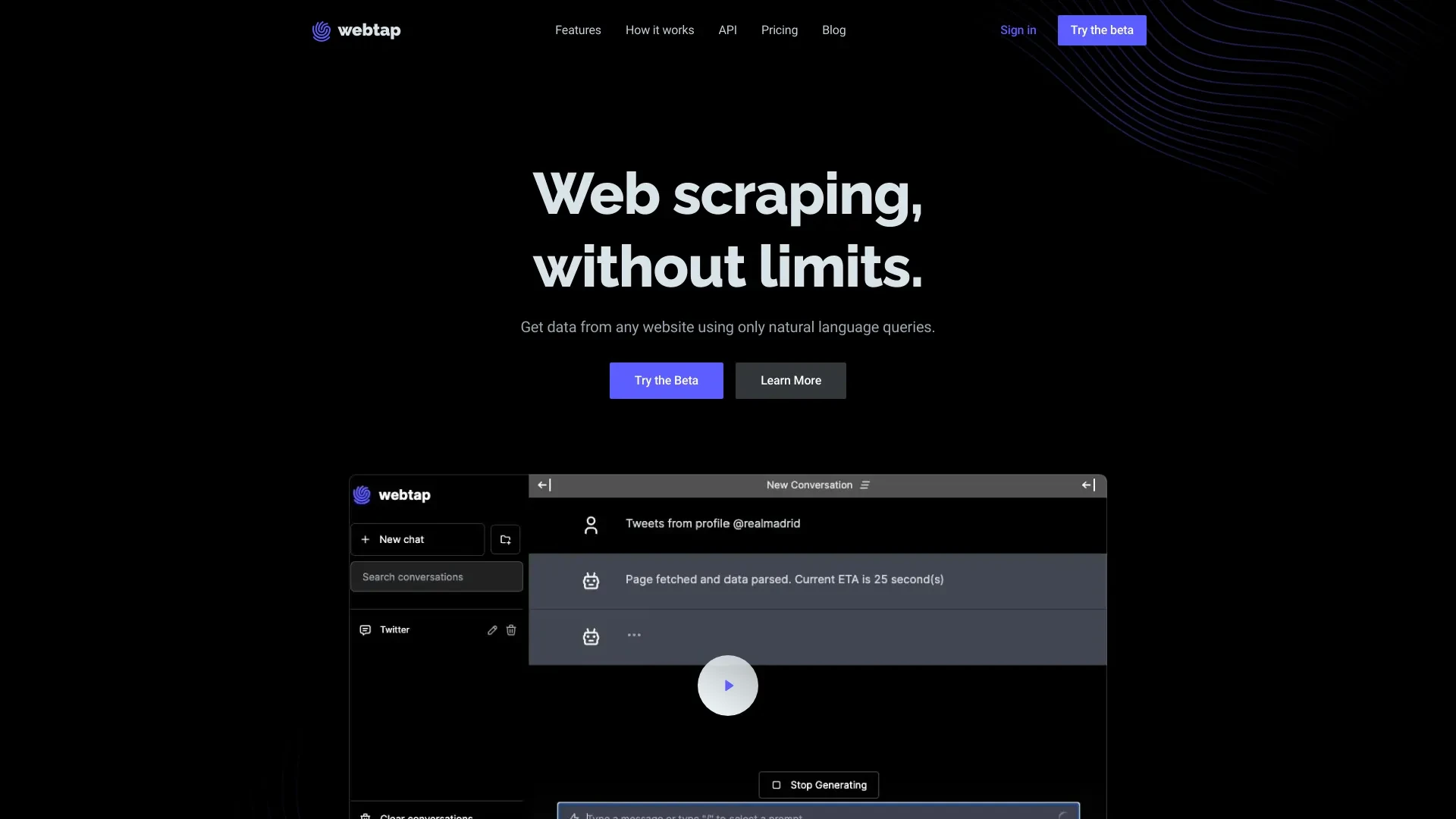
Browse AI provides a visual interface where you train a data extraction robot in about two minutes and access prebuilt robots for quick setup. Webtap.ai uses a natural language chat interface that lets you specify data needs without coding and supports easy data export. Both platforms run in a web browser and are designed to minimize the learning curve for non technical users.

Integrations and Compatibility

Browse AI lists 7,000+ integrations and broad platform reach. Webtap.ai emphasizes flexible data export and a web based workflow; together they cover broad compatibility but require evaluation for enterprise ecosystems.

Limitations and Drawbacks

One limitation is that advanced customization options may not be as exposed as in dedicated coding workflows. The data does not include enterprise governance features or API access specifics; users should evaluate governance, auditability, and export formats during pilots.

Frequently Asked Questions

What is the main difference between Browse AI and Webtap.ai?
The key difference between Browse AI and Webtap.ai lies in their core use cases, pricing models, and feature depth. Browse AI typically focuses on specific workflows, while Webtap.ai offers broader capabilities suitable for different teams and scenarios.
Which is better for teams: Browse AI or Webtap.ai?
Webtap.ai is often a better fit for growing teams that need collaboration, governance, and integrations, while Browse AI can be ideal for individuals or smaller teams who want a simpler, more focused solution.
Is Browse AI more affordable than Webtap.ai?
Pricing depends on your usage and plan tiers. Browse AI may offer a lower entry price, while Webtap.ai can provide more value at scale with advanced features included in higher-tier plans.
Can I use both Browse AI and Webtap.ai together?
Yes, many teams combine both tools in their workflows to cover different use cases. Always review integrations and overlapping features to avoid paying twice for similar functionality.

Related Comparisons