Sponsored by BrandGhost BrandGhost is a social media automation tool that helps content creators efficiently manage and schedule their social media... Visit now

CueCam versus Detail

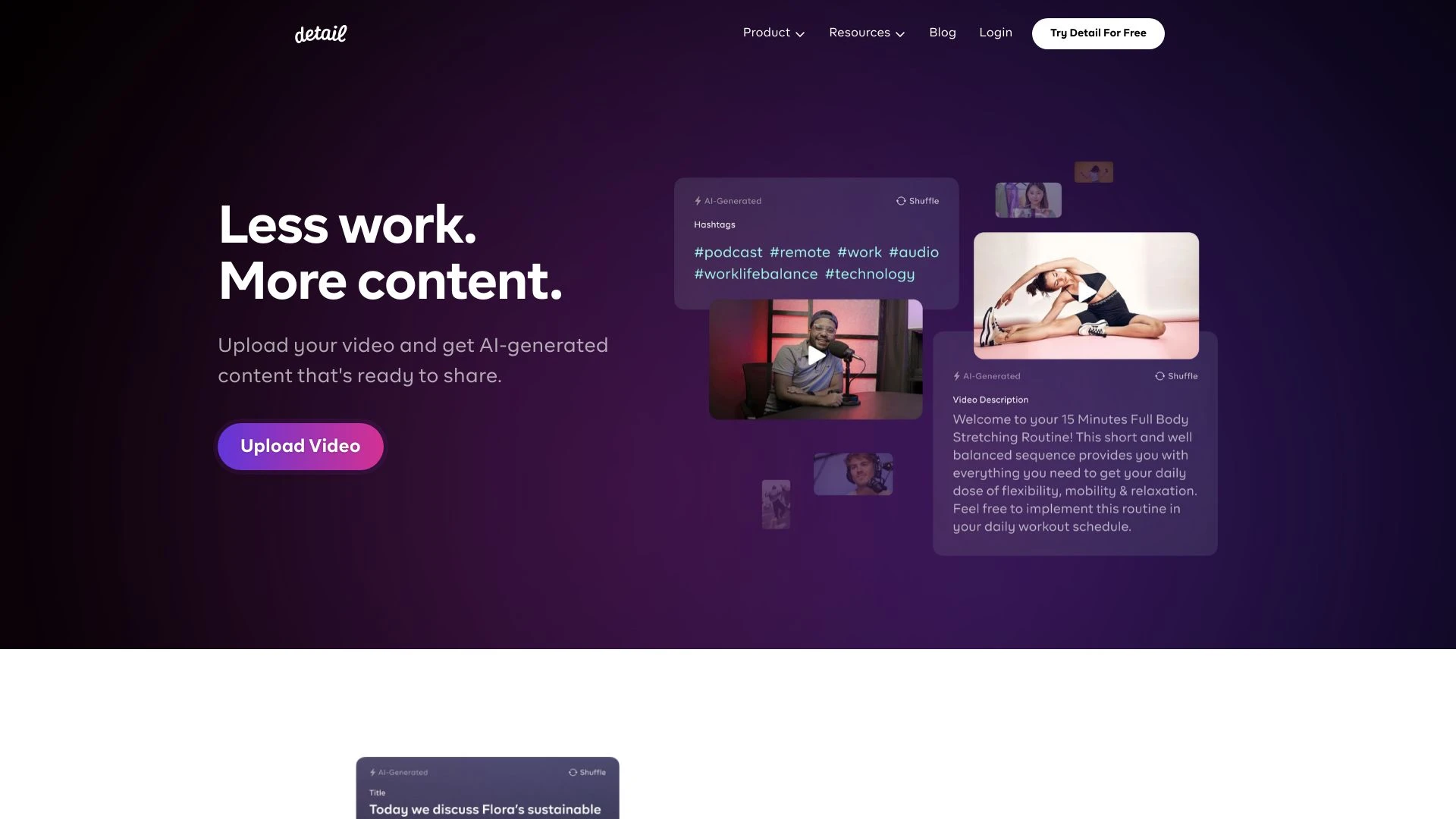
Detail and CueCam target different workflows. Detail excels at quick recording and editing for storytellers, while CueCam focuses on enhancing video calls and presentations via Apple device integration and teleprompting features.

CueCam vs Detail Overview

Last updated: May 2026

CueCam

0

Ideal For

    Educational teaching sessions

    Professional work presentations

    Sports coaching and analysis

    Sales calls and software demonstrations

Key Strengths

    Improves engagement during video calls

    Allows for effective content demonstration

    Enhances learning and teaching experiences

Core Features

    Virtual camera and microphone for Mac

    iPhone connectivity for teleprompter and preview

    iPad drawing capabilities

    Seamless screen sharing

    Enhanced video production tools

Detail

0

Ideal For

    Create engaging travel vlogs

    Produce makeup tutorials

    Record cooking shows

    Develop comprehensive online courses

Key Strengths

    Easy to use for all skill levels

    Combines recording and editing in one app

    Enhances creativity with various effects

Core Features

    Record and edit videos seamlessly

    Replace backgrounds effortlessly

    Combine multiple video styles creatively

    Instant editing for each shot

    Simultaneously use front and back cameras

Popularity

Very Low Unknown number of visitors
Growing popularity
Medium 30,400 visitors
Growing popularity

At a Glance

For creators focused on built in storytelling and fast post production, Detail is the strong initial choice. For educators, presenters, and teams that rely on live interactions and polished on screen delivery, CueCam delivers compelling capabilities. If your workflow benefits from both worlds, using Detail for content creation and CueCam for live sessions is a practical, complementary approach.

Pricing and Subscription Plans

Both tools offer a freemium pricing model with monthly subscriptions. Specific tier details are not provided, but the freemium approach supports easy onboarding and trialing core capabilities before committing to a plan.

Performance Metrics

No specific speed or reliability metrics are published. Architecturally, Detail combines recording and editing into a single web and device workflow for Mac and iOS, whereas CueCam leverages a Mac virtual camera plus iPhone and iPad connectivity for teleprompter, screen sharing, and content integration.

User Experience

Detail is described as user friendly for storytellers, enabling fast recording and instant editing with background replacement and multi camera support. CueCam emphasizes a seamless user interface for content sharing and offers teleprompter and screen sharing capabilities across Apple devices, enhancing preparation and delivery. Onboarding is positioned around leveraging familiar devices and straightforward workflows.

Integrations and Compatibility

Detail runs on Mac and iOS via a web platform, enabling convenient cross device workflows. CueCam connects Mac with iPhone and iPad for teleprompter, preview, drawing on screens, and content sharing, deeply leveraging the Apple ecosystem.

Limitations and Drawbacks

Limited data on advanced editing capabilities or offline features for either tool. As web oriented solutions with freemium models, users may experience feature and performance trade offs compared to dedicated native apps or enterprise offerings.

Frequently Asked Questions

What is the main difference between CueCam and Detail?
The key difference between CueCam and Detail lies in their core use cases, pricing models, and feature depth. CueCam typically focuses on specific workflows, while Detail offers broader capabilities suitable for different teams and scenarios.
Which is better for teams: CueCam or Detail?
Detail is often a better fit for growing teams that need collaboration, governance, and integrations, while CueCam can be ideal for individuals or smaller teams who want a simpler, more focused solution.
Is CueCam more affordable than Detail?
Pricing depends on your usage and plan tiers. CueCam may offer a lower entry price, while Detail can provide more value at scale with advanced features included in higher-tier plans.
Can I use both CueCam and Detail together?
Yes, many teams combine both tools in their workflows to cover different use cases. Always review integrations and overlapping features to avoid paying twice for similar functionality.

Related Comparisons