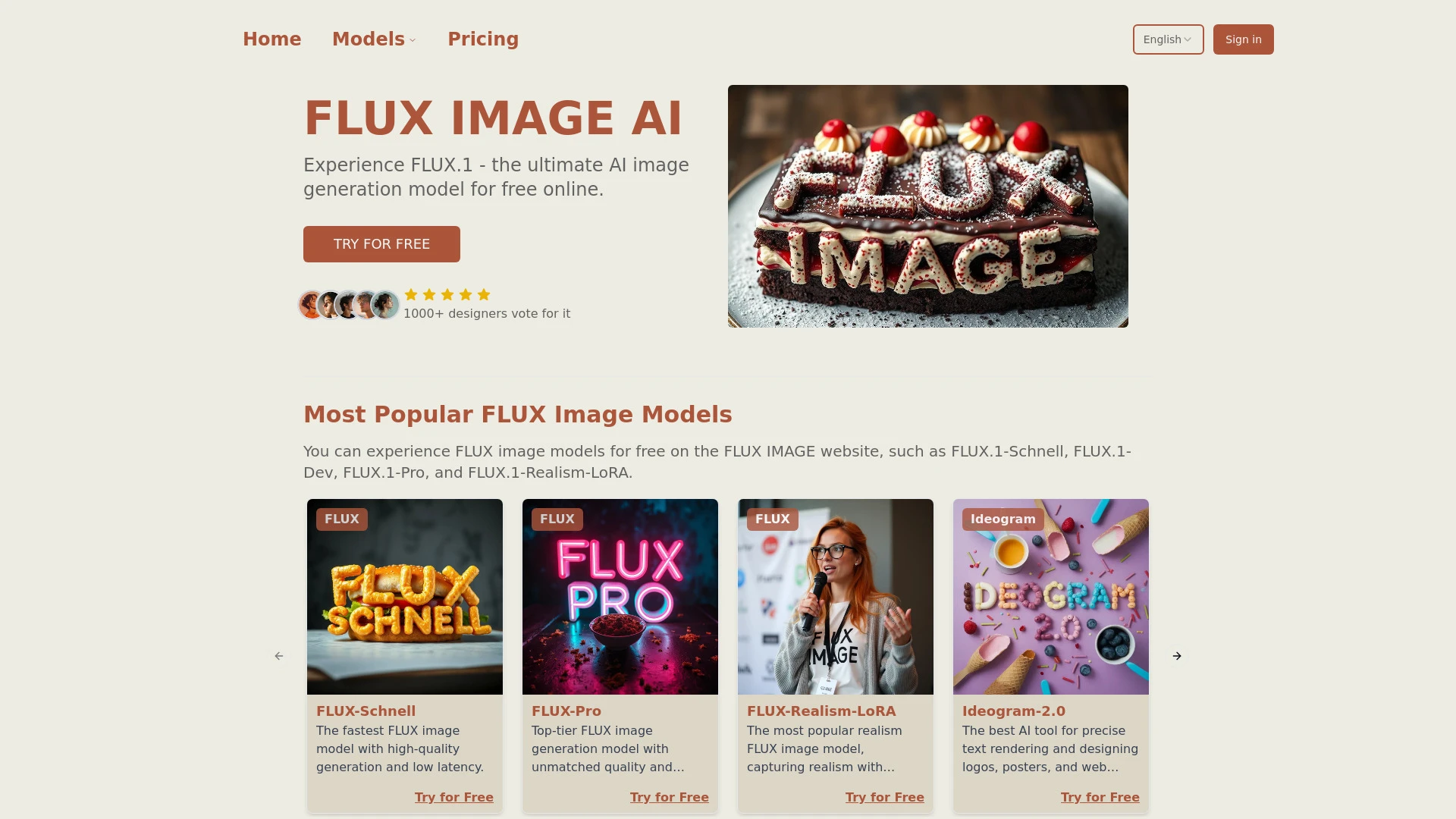
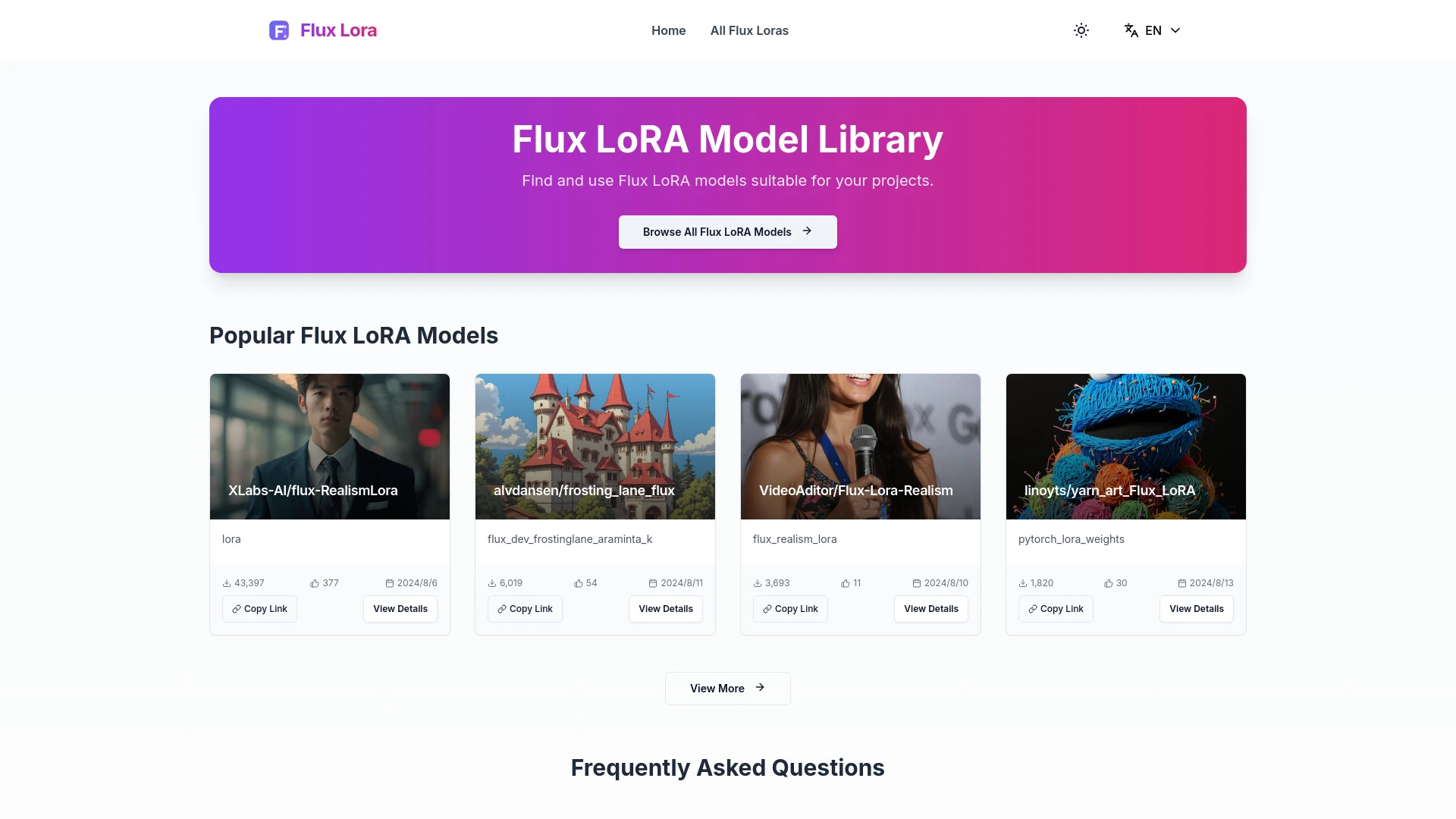
Flux LoRA Model Library helps developers and data scientists compare and integrate LoRA models for Flux projects. FLUX IMAGE provides an intuitive path to turning text prompts into high quality visuals. Both tools address efficient model selection and rapid output, with Flux LoRA Library prioritizing ML model optimization and FLUX IMAGE emphasizing visual content creation.
Create stunning portraits for social media
Produce pet images for personalized gifts
Generate realistic photos for marketing campaigns
Develop unique visuals for digital art projects
User-friendly interface
Wide range of AI models available
Quick generation of high-quality images
Access to multiple AI models
Free usage for basic and premium models
Intuitive web interface for seamless image creation
High-quality output for diverse projects
Customizable outputs based on prompts
Select the best LoRA model for improving project outcomes
Integrate LoRA technologies into existing Flux projects
Compare performance metrics of different models
Enhance machine learning workflows through optimized model selection
Access to a wide variety of models
Streamlined process for model selection
Enhanced project performance
Browse a comprehensive range of Flux LoRA models
Compare popular LoRA models side-by-side
Copy direct links for seamless project integration
User-friendly interface for easy navigation
Regular updates with new models and features
For ML model optimization within Flux projects, Flux LoRA Model Library is the clear winner due to its dedicated focus and seamless integration workflow. For rapid, high quality visuals and marketing assets, FLUX IMAGE excels with its freemium access and broad model selection. Your choice should align with whether your primary need is ML model optimization or compelling image generation, with a hybrid approach possible for teams pursuing both.
Flux LoRA Model Library offers a free perpetual license with a one-time billing model, providing upfront access at no cost. FLUX IMAGE adopts a freemium model with a monthly subscription, unlocking broader capabilities over time. This contrast shapes long term budgeting: Flux LoRA Library delivers immediate ownership, while FLUX IMAGE provides ongoing access and potential feature expansion through subscriptions.
No quantified speed or reliability metrics are provided. The Flux LoRA Library emphasizes a streamlined browse and compare workflow with regular updates, while FLUX IMAGE highlights quick generation and high quality outputs across multiple AI models, suggesting responsive performance without published benchmarks.
Flux LoRA Model Library offers a straightforward user interface designed to simplify model selection and seamless project integration. FLUX IMAGE delivers an intuitive web interface tailored for both beginners and experienced designers, enabling prompt-based visual creation and easy experimentation. Onboarding appears efficient for both, with features like copy direct links and model diversification supporting quick starts.
Flux LoRA Model Library provides copy direct links for seamless project integration within Flux workflows. FLUX IMAGE, being web based with access to multiple AI models, offers a cohesive platform for creating visuals without requiring external tooling.
A potential trade-off for Flux LoRA Library is its ecosystem focus on Flux LoRA models which may limit cross framework exploration. FLUX IMAGE centers on image generation across several AI models, which can introduce variability in outputs depending on the chosen model and prompts.