Sponsored by BrandGhost BrandGhost is a social media automation tool that helps content creators efficiently manage and schedule their social media... Visit now

Quillbot versus Smodin

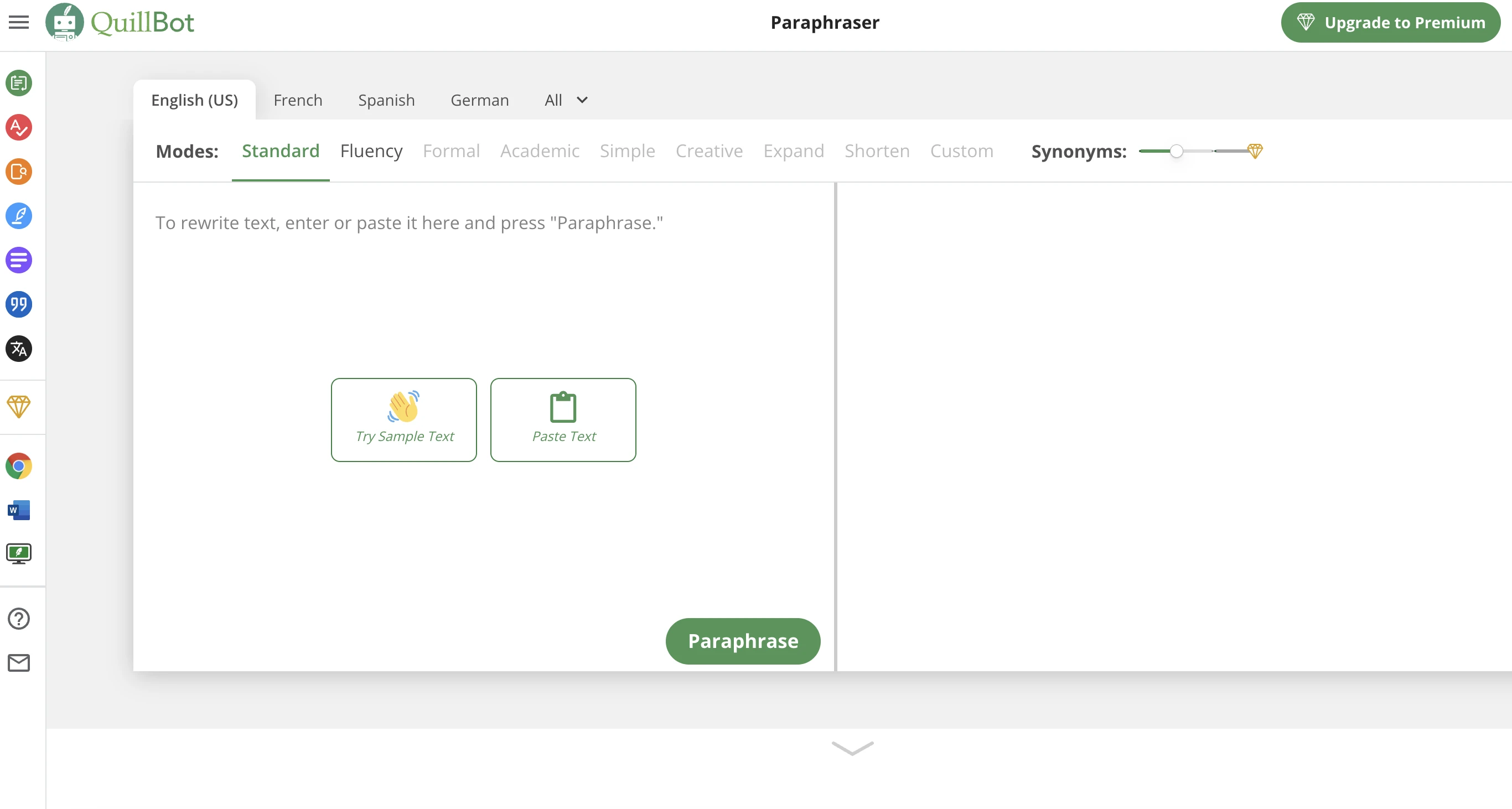
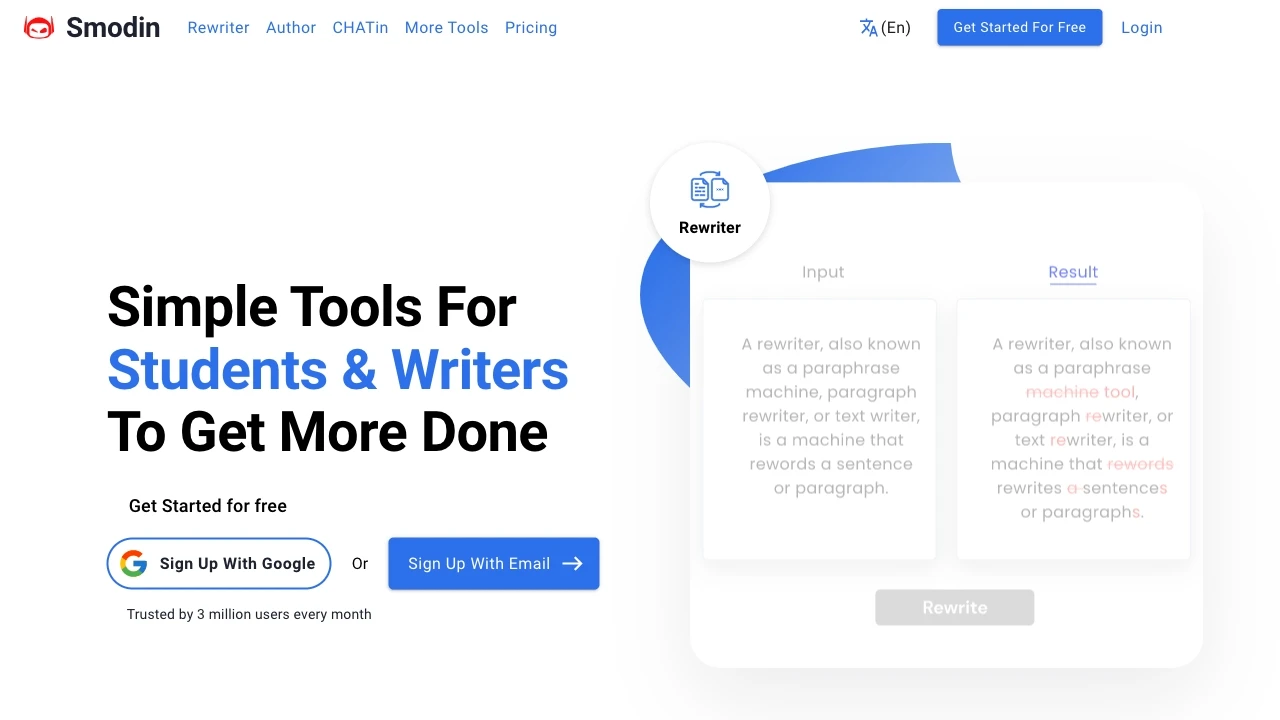
Smodin, launched in 2020, focuses on AI-driven content generation, summarization, and plagiarism detection, appealing to students and content creators. Quillbot, established in 2017, serves a similar audience but specializes in paraphrasing, grammar checking, and writing enhancement. Both tools enhance productivity but cater to distinct user needs in content creation and refinement.

Quillbot vs Smodin Overview

Last updated: March 2025

Quillbot

0

Ideal For

    Academic writing

    Content creation

    Website content optimization

    Blog post enhancement

Key Strengths

    Enhances writing quality

    Saves time

    Improves content originality

Core Features

    Text rewriting

    Paraphrasing

    Grammar checking

    Multi-language support

    User-friendly interface

Smodin

0

Ideal For

    Academic Writing

    Content Creation

    Language Translation

    High-quality Content Generation

Key Strengths

    Improves clarity and originality

    Identifies plagiarism

    Generates structured content

Core Features

    Text Rewriter

    Plagiarism Checker

    AI Writer

    Citation Machine

    Multi-lingual Translator

Popularity

Very High 77,600,000 visitors
Growing popularity
Very High 3,900,000 visitors
Growing popularity

Decision Matrix

Factor Quillbot Smodin
Ease of Use
8.5/10
7.5/10
Features
8.0/10
8.0/10
Value for Money
8.0/10
8.0/10
Interface Design
7.5/10
7.0/10
Learning Curve
8.0/10
8.5/10
Customization Options
7.0/10
6.5/10

Quick Decision Guide

Choose Quillbot if:
  • You want to enhance your writing clarity and conciseness.
  • You aim to improve grammar and eliminate errors effortlessly.
  • You value quick paraphrasing to generate fresh content.
  • You look for an easy-to-use interface for seamless editing.
  • You seek integration with various platforms for flexibility.
Choose Smodin if:
  • You want fast and reliable content generation.
  • You aim for plagiarism-free writing every time.
  • You value user-friendly and intuitive interface.
  • You look for multilingual support for diverse audiences.
  • You seek advanced AI to enhance your writing style.

What Our Experts Say

Smodin excels in generating unique content quickly, making it ideal for bulk writing needs. Quillbot, however, shines in paraphrasing and enhancing clarity, perfect for refining existing texts. Users face challenges with Smodin's occasional variability in quality, while Quillbot may struggle with complex ideas. Ultimately, Smodin is best for fast content creation, whereas Quillbot is superior for editing and improvement tasks.
JD

Jamie Davis

Software Analyst

At a Glance

Smodin and Quillbot both offer paraphrasing tools, but their approaches differ. Smodin excels in multi-language support and provides automatic citation generation, ideal for academic use. Quillbot, with advanced AI, offers nuanced paraphrasing and a user-friendly interface, benefiting content creators. Pros for Smodin: citations, ease of use. Cons: limited customization. Pros for Quillbot: versatility, integrations. Cons: fewer languages. For research, choose Smodin; for content, opt for Quillbot.

Pricing and Subscription Plans

Smodin offers a free tier with limited features and basic plans starting at $10/month, providing access to multiple tools. Quillbot also starts free but has a premium plan priced at $14.95/month, which includes advanced features like unlimited paraphrasing. For small businesses, Smodin may be more cost-effective, while Quillbot's subscription suits larger teams needing advanced writing tools. Both offer discounts for annual payments.

Performance Metrics

Smodin typically excels in speed due to its efficient algorithms, providing rapid paraphrasing and text generation. Quillbot, however, offers higher accuracy and reliability in maintaining context and meaning. In academic and professional writing, Quillbot often outperforms with nuanced understanding, while Smodin is ideal for quick content creation.

User Experience

Smodin and Quillbot both offer user-friendly interfaces, but Quillbot has a more polished design and intuitive navigation. Smodin allows for some customization, while Quillbot excels in providing tailored settings for paraphrasing and summarization. The learning curve is minimal for both, though Quillbot may require slight adjustments for new users. Quillbot also offers extensive user support resources, enhancing the overall experience compared to Smodin.

Integrations and Compatibility

Smodin integrates with Google Docs and Microsoft Word, enhancing collaborative workflows. Quillbot offers browser extensions for Chrome and Firefox, alongside compatibility with Google Docs and Microsoft Word, for seamless editing. Both support major systems, but Quillbot has broader integration options.

Limitations and Drawbacks

Smodin's limitations include less accurate paraphrasing and limited AI support. Quillbot offers better fluency but can struggle with context in complex texts. Workarounds: Use Smodin for drafts; refine with Quillbot for clarity. Always review for accuracy.

Frequently Asked Questions

What is the main difference between Quillbot and Smodin?
The key difference between Quillbot and Smodin lies in their core use cases, pricing models, and feature depth. Quillbot typically focuses on specific workflows, while Smodin offers broader capabilities suitable for different teams and scenarios.
Which is better for teams: Quillbot or Smodin?
Smodin is often a better fit for growing teams that need collaboration, governance, and integrations, while Quillbot can be ideal for individuals or smaller teams who want a simpler, more focused solution.
Is Quillbot more affordable than Smodin?
Pricing depends on your usage and plan tiers. Quillbot may offer a lower entry price, while Smodin can provide more value at scale with advanced features included in higher-tier plans.
Can I use both Quillbot and Smodin together?
Yes, many teams combine both tools in their workflows to cover different use cases. Always review integrations and overlapping features to avoid paying twice for similar functionality.

Related Comparisons