Sponsored by BrandGhost BrandGhost is a social media automation tool that helps content creators efficiently manage and schedule their social media... Visit now

remove.bg versus Unscreen

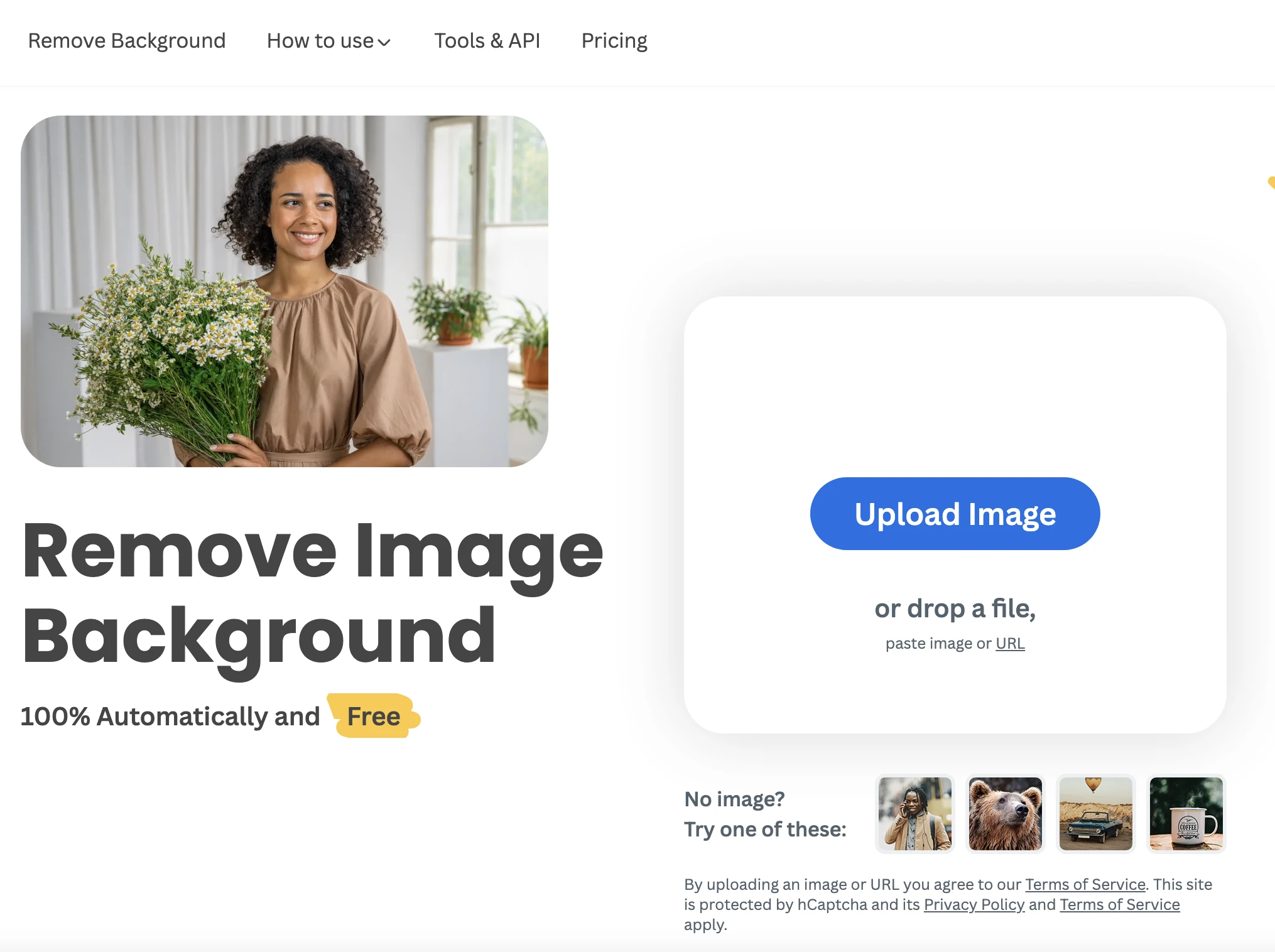
Unscreen and remove.bg address different parts of the background removal workflow. Unscreen automates video background removal without chroma keying, ideal for video editors and content creators, while remove.bg delivers quick image background removal with strong design tool integrations for photographers and marketers.

remove.bg vs Unscreen Overview

Last updated: May 2026

remove.bg

0

Ideal For

    Individuals creating personalized visuals

    Photographers enhancing their portfolios

    Marketers upgrading product images

    Developers integrating background removal functionality

Key Strengths

    Quick and effortless background removal

    Saves time on editing

    Supports multiple file formats

Core Features

    Instant background removal

    Transparent or white background options

    Integration with design tools

    API access for software integration

    Efficient workflow optimization

Unscreen

0

Ideal For

    Creating background-free videos for presentations

    Removing distractions from recorded footage

    Enhancing visual appeal of video content

    Preparing video clips for social media

Key Strengths

    Reduces time spent on video editing

    Increases the professional quality of videos

    Frees users from technical requirements

Core Features

    Automatic background removal

    High-quality output

    No chroma keying needed

    Supports full HD resolution

    User-friendly interface

Popularity

Very High 70,300,000 visitors
Growing popularity
Very High 770,500 visitors
Growing popularity

Decision Matrix

Factor remove.bg Unscreen
Ease of Use
9.0/10
8.5/10
Features
8.0/10
8.0/10
Value for Money
7.5/10
7.5/10
Interface Design
8.5/10
8.0/10
Learning Curve
9.0/10
9.0/10
Customization Options
6.0/10
7.0/10

Quick Decision Guide

Choose remove.bg if:
  • You want quick and easy background removal.
  • You aim for high-quality, pixel-perfect results.
  • You value an intuitive user interface.
  • You look for seamless integration with other tools.
  • You want a reliable solution for batch processing images.
Choose Unscreen if:
  • You want to remove backgrounds easily from videos.
  • You aim for high-quality, automatic background extraction.
  • You value fast processing with minimal effort required.
  • You look for user-friendly tools with intuitive interfaces.
  • You seek a solution that works for various video formats.

What Our Experts Say

Use case recommendations: For video teams, incorporate Unscreen into video editing pipelines to quickly strip backgrounds for presentations and social media. For product imagery and marketing assets, integrate remove.bg into production workflows or build automation with its API. Practical tips: run test batches on representative content, adjust output settings such as HD video quality for Unscreen and transparent vs white backgrounds for images, and combine with design or compositing steps.
JD

Jamie Davis

Software Analyst

At a Glance

For video background removal, Unscreen is the recommended choice due to its video oriented workflow, HD support, and straightforward web-based use. For image background removal with strong design tool integrations and API access, remove.bg is the better fit. If your needs span both video and image tasks, consider using each tool for its strengths, while leveraging their freemium access to validate fit before expanding usage.

Pricing and Subscription Plans

Both tools offer freemium access starting at 0.00. Unscreen uses monthly billing under a subscription model, aligning with ongoing video workflows and enterprise teams. remove.bg uses a usage_based billing model with a subscription option, catering to variable image processing needs and API driven automation. This makes both accessible while signaling different usage patterns.

Performance Metrics

Both advertise fast processing and high quality outputs: Unscreen emphasizes automatic background removal with HD support and quick results; remove.bg emphasizes instant background removal and support for multiple file formats. No numeric speed benchmarks are provided; the architecture relies on AI analysis to deliver background free results.

User Experience

Both platforms are web based and designed for ease of use. Unscreen lets users upload a video or supply a URL and receives a background free clip ready for download, suitable for non technical users. remove.bg accepts image uploads and provides instant background removal with options for transparent or white backgrounds and integration ready outputs. Onboarding is straightforward for common media tasks.

Integrations and Compatibility

Unscreen outputs are compatible with standard editing software; remove.bg offers design tool integrations and API access for software workflows.

Limitations and Drawbacks

AI driven results may vary with complex backgrounds or edges; larger projects may rely on paid plans to scale.

Frequently Asked Questions

What is the main difference between remove.bg and Unscreen?
The key difference between remove.bg and Unscreen lies in their core use cases, pricing models, and feature depth. remove.bg typically focuses on specific workflows, while Unscreen offers broader capabilities suitable for different teams and scenarios.
Which is better for teams: remove.bg or Unscreen?
Unscreen is often a better fit for growing teams that need collaboration, governance, and integrations, while remove.bg can be ideal for individuals or smaller teams who want a simpler, more focused solution.
Is remove.bg more affordable than Unscreen?
Pricing depends on your usage and plan tiers. remove.bg may offer a lower entry price, while Unscreen can provide more value at scale with advanced features included in higher-tier plans.
Can I use both remove.bg and Unscreen together?
Yes, many teams combine both tools in their workflows to cover different use cases. Always review integrations and overlapping features to avoid paying twice for similar functionality.

Related Comparisons