Sponsored by BrandGhost BrandGhost is a social media automation tool that helps content creators efficiently manage and schedule their social media... Visit now

SheetSavvy AI versus skills.ai

SheetSavvy AI vs skills.ai Overview

Last updated: March 2025

Ideal For

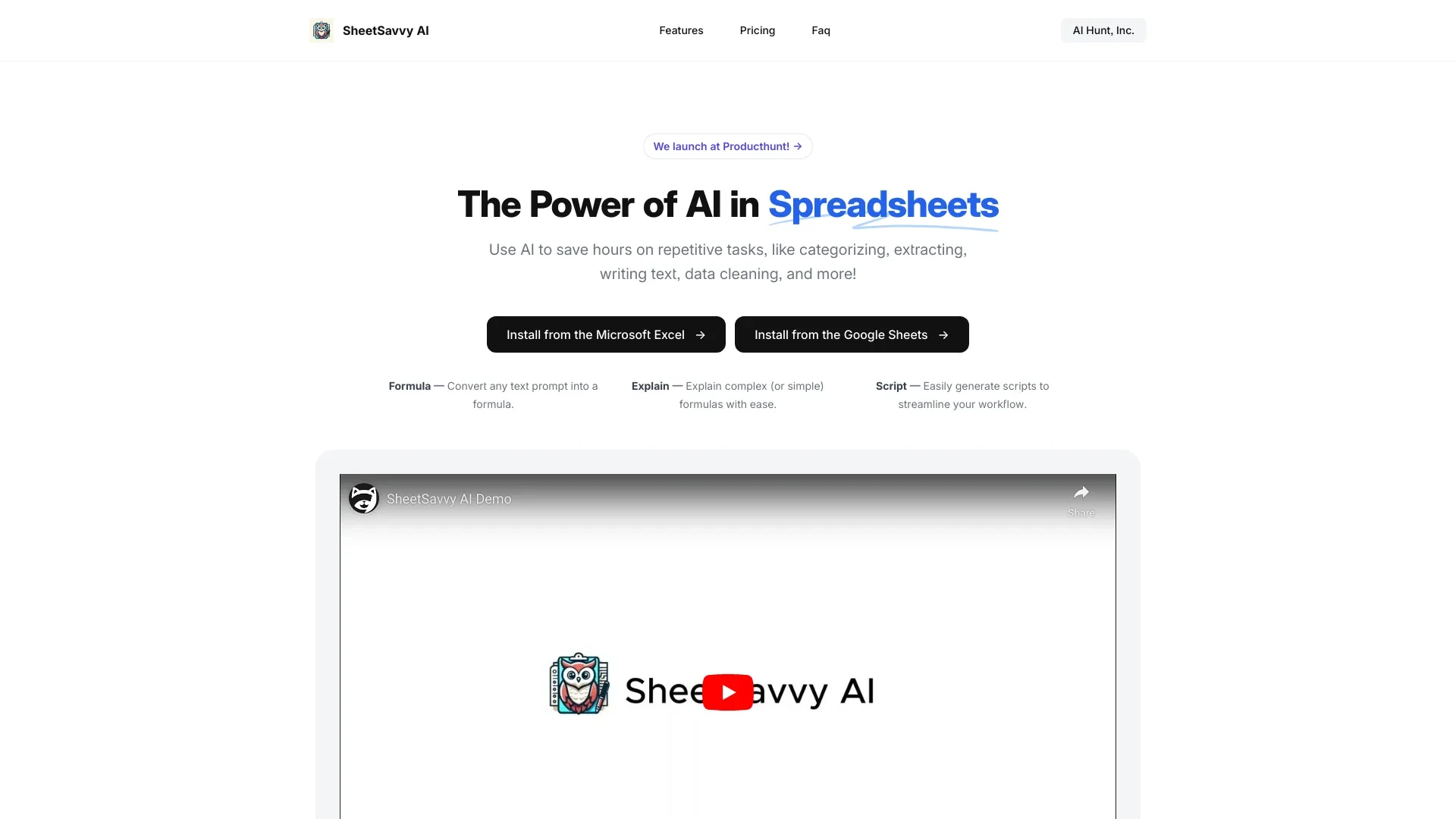
    Convert text prompts into formulas

    Understand complex formulas

    Automate spreadsheet workflows

    Import live data into spreadsheets

Key Strengths

    Saves time

    Reduces manual errors

    Empowers users without coding skills

Core Features

    Seamless Integration

    No Coding Required

    Real-time Data Import

    AI-Powered Formulas

    Simplified Explanations

skills.ai

0

Ideal For

    Data analysis

    Business intelligence

    Machine learning application

    Keynote presentations

Key Strengths

    Automates data analysis

    Saves time in coding

    Enhances presentation quality

Core Features

    AI-powered analytics

    Automatic code generation

    Stunning data visualizations

    Insight discovery

    Presentation creation

Popularity

Very Low Unknown number of visitors
Growing popularity
Medium 48,400 visitors
Growing popularity

Frequently Asked Questions

What is the main difference between SheetSavvy AI and skills.ai?
The key difference between SheetSavvy AI and skills.ai lies in their core use cases, pricing models, and feature depth. SheetSavvy AI typically focuses on specific workflows, while skills.ai offers broader capabilities suitable for different teams and scenarios.
Which is better for teams: SheetSavvy AI or skills.ai?
skills.ai is often a better fit for growing teams that need collaboration, governance, and integrations, while SheetSavvy AI can be ideal for individuals or smaller teams who want a simpler, more focused solution.
Is SheetSavvy AI more affordable than skills.ai?
Pricing depends on your usage and plan tiers. SheetSavvy AI may offer a lower entry price, while skills.ai can provide more value at scale with advanced features included in higher-tier plans.
Can I use both SheetSavvy AI and skills.ai together?
Yes, many teams combine both tools in their workflows to cover different use cases. Always review integrations and overlapping features to avoid paying twice for similar functionality.