Sponsored by BrandGhost BrandGhost is a social media automation tool that helps content creators efficiently manage and schedule their social media... Visit now

Translate Menu versus TranslateImage

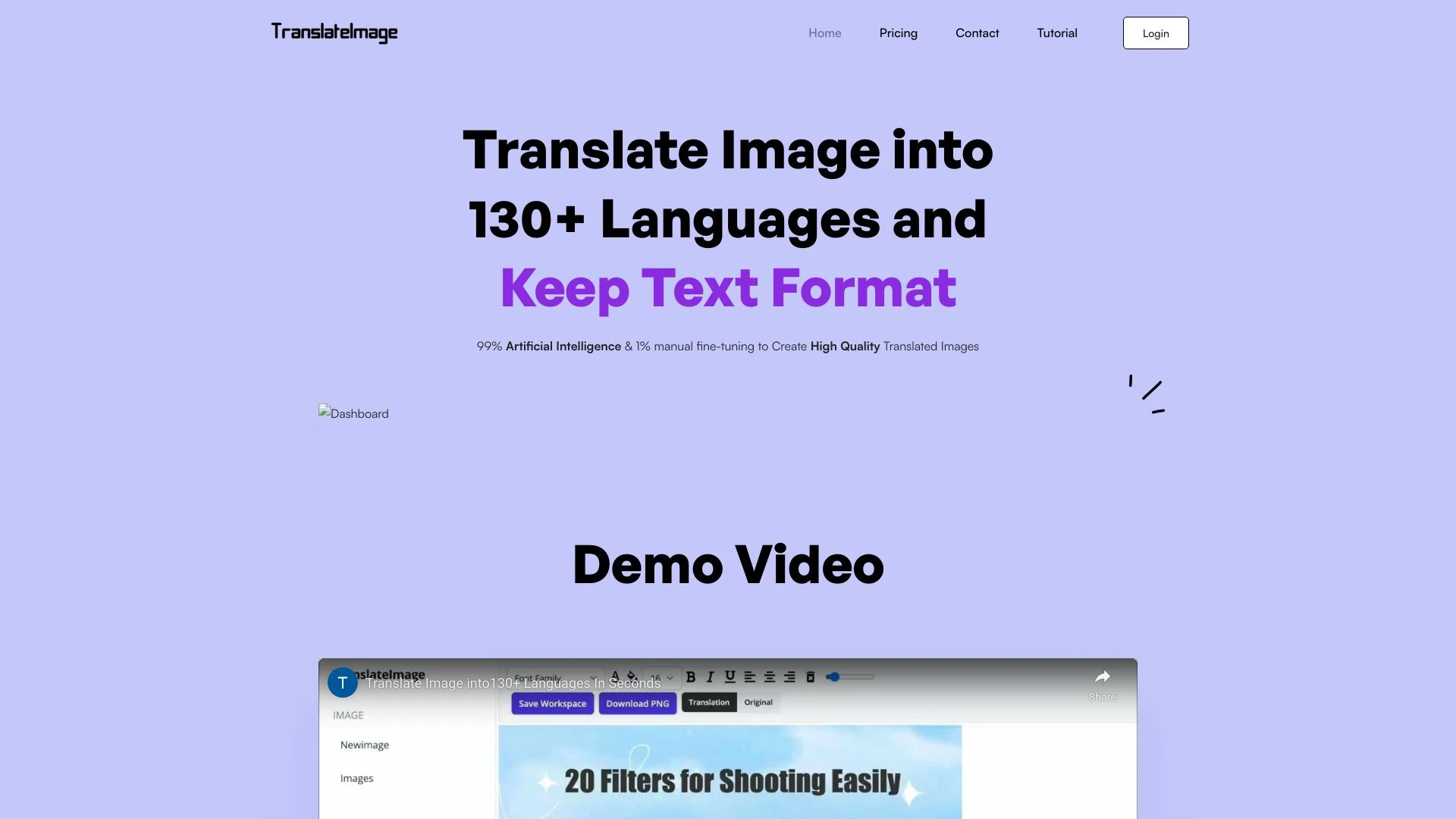
Translate Menu helps diners translate restaurant menus instantly with AI generated dish images and personalized recommendations. TranslateImage translates text in images while preserving layout, ideal for marketing education and documents. Both are web based tools designed to make multilingual content tasks easier for end users.

Translate Menu vs TranslateImage Overview

Last updated: May 2026

Ideal For

    Travelers ordering in foreign countries

    Locals wanting to try international cuisines

    Non-native speakers visiting local restaurants

    Tourists wanting to explore dishes

Key Strengths

    Instant access to menu translations

    Enhanced dining experience with dish images

    Supports various languages

Core Features

    Instant Menu Translation

    Personalized Recommendations

    Multi-language Support

    AI-generated Dish Images

    User-friendly Interface

Ideal For

    Translate images for international markets

    Translate advertisements and product images

    Translate documents with text in images

    Facilitate global communication

Key Strengths

    Preserves original design attributes

    Speeds up translation process

    Supports multiple languages

Core Features

    Text Auto Recognition

    Smooth Background Inpainting

    Accurate Translation

    Preserve Original Text Format

    User-Friendly Editing Tool

Popularity

Very Low Unknown number of visitors
Growing popularity
Medium 33,900 visitors
Growing popularity

At a Glance

Translate Menu is the best fit for diners and travelers seeking immediate menu translations with appetizing imagery. TranslateImage excels in image centric translation tasks where preserving layout and formatting is important. Used together they offer broad multilingual support across both dining and image driven content workflows.

Pricing and Subscription Plans

Translate Menu is offered as free with a one time billing model described as consumption based, enabling on demand usage without upfront costs. TranslateImage follows a freemium approach with a monthly subscription, aligning with ongoing editing and higher volume needs. Together they cover both spontaneous menu translation and image centric localization workflows while emphasizing accessible value and scalable usage.

Performance Metrics

Translate Menu is noted for fast processing which benefits on the go dining scenarios. TranslateImage emphasizes accurate translation and preservation of original text attributes to support scalable image based localization. While exact speed and throughput are not published, both are web based and designed for reliable performance.

User Experience

Translate Menu offers a user friendly interface where users snap a photo to receive translations with AI generated dish images and recommendations. The onboarding is straightforward for travelers and diners, with multi language support guiding choices. TranslateImage provides an intuitive editor, simple image upload and language selection, focusing on maintaining layout and appearance during translation.

Integrations and Compatibility

Both tools are web based with no explicit third party integrations listed. Translate Image occupies the text to image space while Translate Menu centers on menu translations for dining contexts, offering complementary capabilities in multilingual workflows.

Limitations and Drawbacks

Translate Menu is tailored to menus and dining experiences, so its use case scope is narrower than general image translation. TranslateImage concentrates on image translation and may require more editing steps to preserve formatting across diverse content.

Frequently Asked Questions

What is the main difference between Translate Menu and TranslateImage?
The key difference between Translate Menu and TranslateImage lies in their core use cases, pricing models, and feature depth. Translate Menu typically focuses on specific workflows, while TranslateImage offers broader capabilities suitable for different teams and scenarios.
Which is better for teams: Translate Menu or TranslateImage?
TranslateImage is often a better fit for growing teams that need collaboration, governance, and integrations, while Translate Menu can be ideal for individuals or smaller teams who want a simpler, more focused solution.
Is Translate Menu more affordable than TranslateImage?
Pricing depends on your usage and plan tiers. Translate Menu may offer a lower entry price, while TranslateImage can provide more value at scale with advanced features included in higher-tier plans.
Can I use both Translate Menu and TranslateImage together?
Yes, many teams combine both tools in their workflows to cover different use cases. Always review integrations and overlapping features to avoid paying twice for similar functionality.

Related Comparisons