Sponsored by BrandGhost BrandGhost is a social media automation tool that helps content creators efficiently manage and schedule their social media... Visit now

UseScraper versus Webtap.ai

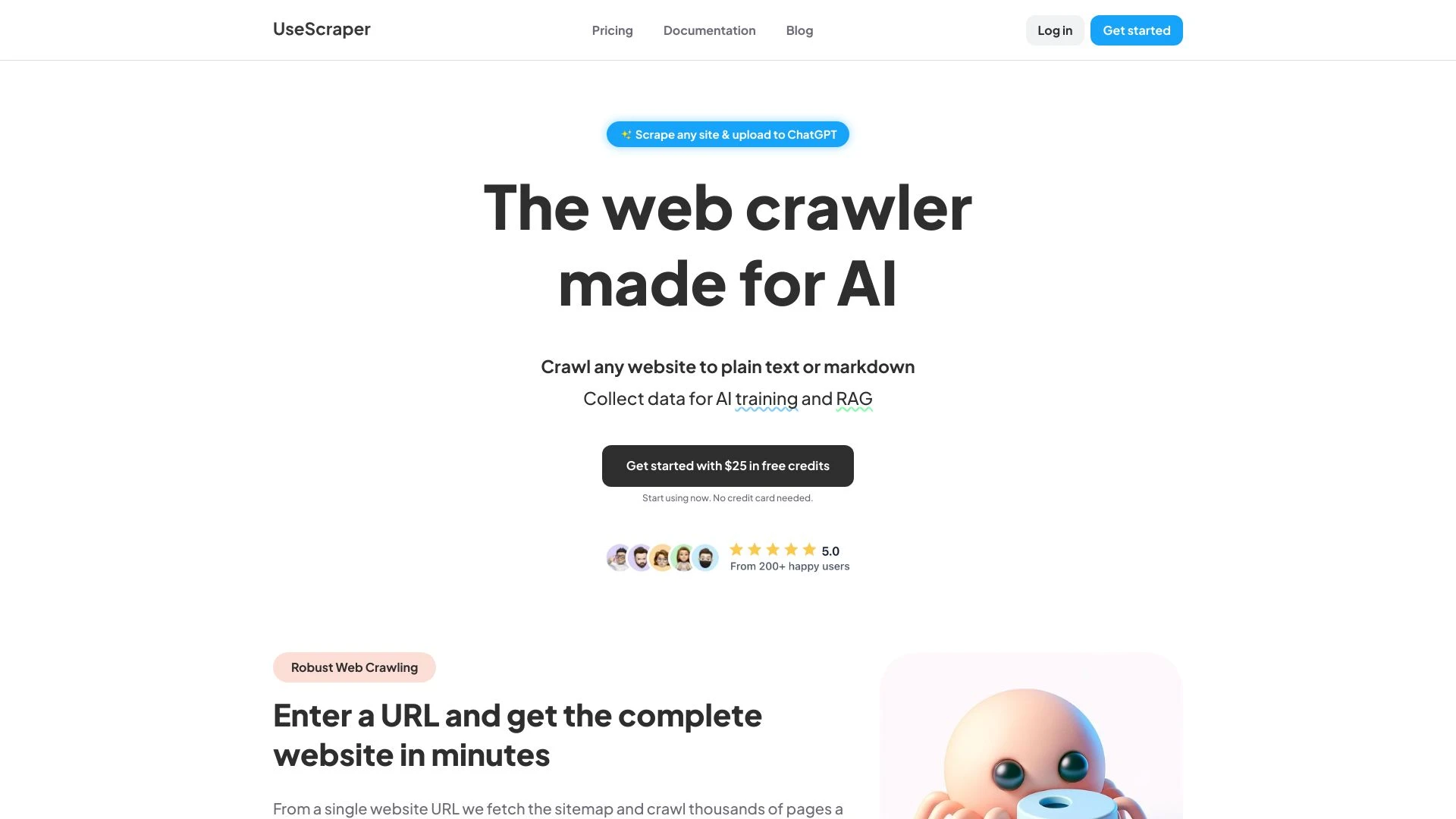
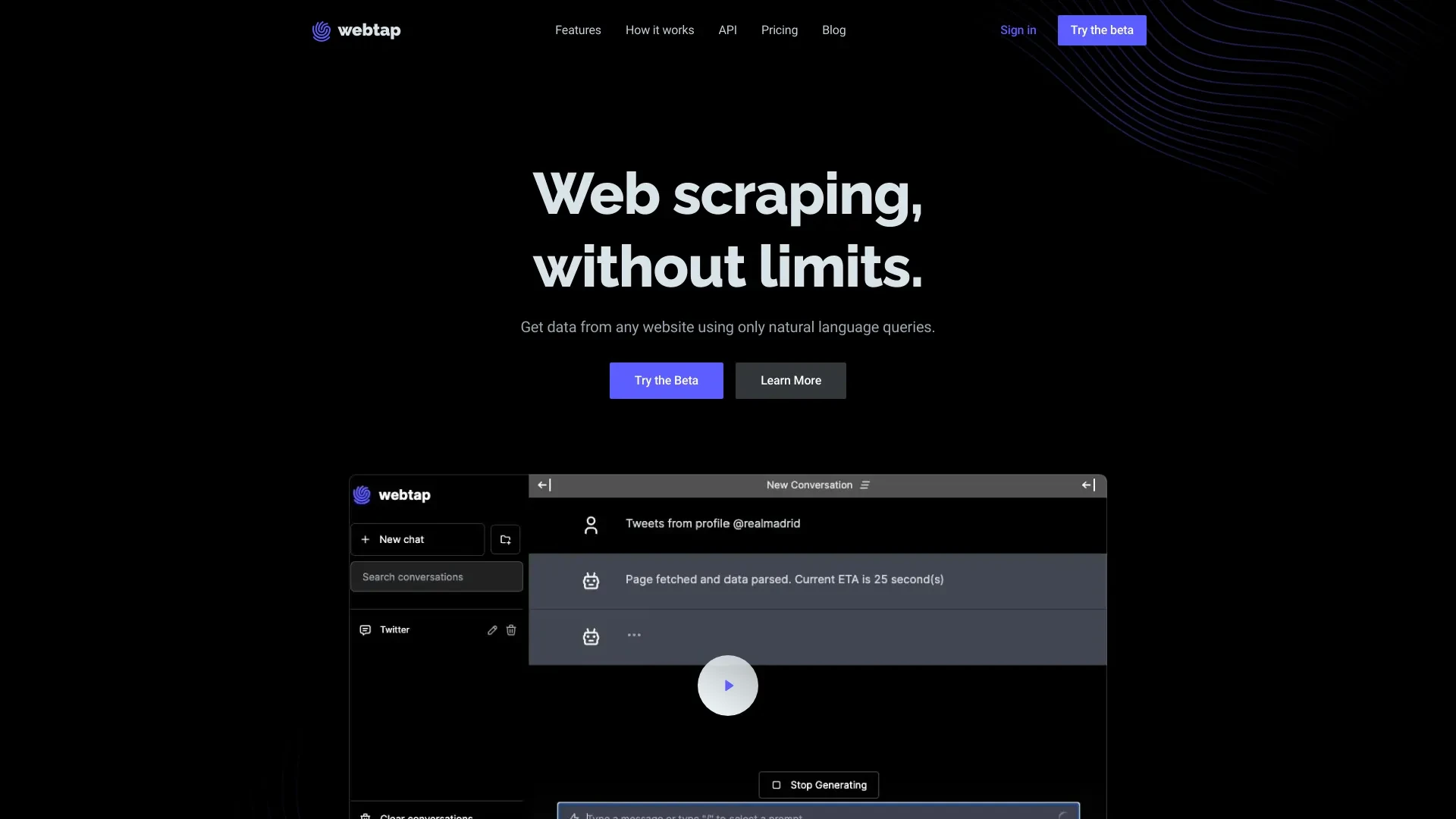
Webtap.ai provides a no code web scraping experience powered by natural language requests and seamless exports, ideal for non technical users. UseScraper offers a fast, API driven scraping solution with JS rendering and robust proxy management, best for AI projects requiring large, structured datasets. Both target data professionals, researchers, and AI builders, each excelling in different workflow needs.

UseScraper vs Webtap.ai Overview

Last updated: May 2026

UseScraper

0

Ideal For

    Collecting datasets for AI training

    Generating content for AI chatbots

    Extracting structured information from websites

    Conducting competitive analysis

Key Strengths

    Rapid data extraction

    Cost-effective pricing model

    Automatic handling of proxies

Core Features

    Hyper fast web scraping

    Automatic proxy rotation

    Browser rendering for complex sites

    Support for Markdown and JSON output

    Scalable for large scraping tasks

Webtap.ai

0

Ideal For

    Extract data from any website using natural language

    Market research and analysis

    Competitive intelligence gathering

    Academic research data collection

Key Strengths

    User-friendly interface

    No technical skills required

    Unlimited data requests

Core Features

    Unlimited requests

    Flexible data extraction interface

    No coding required

    Natural language queries

    Automatic captcha solving

Popularity

Very Low Unknown number of visitors
Growing popularity
Very Low Unknown number of visitors
Growing popularity

At a Glance

If your priority is quick, no code data extraction with intuitive natural language prompts, Webtap.ai is the recommended fit. If your goal is large scale, repeatable scraping with JS rendering and API driven automation for AI projects, UseScraper is the superior choice. For teams with mixed needs, consider using Webtap.ai for initial discovery and UseScraper for scalable data pipelines and training datasets.

Pricing and Subscription Plans

Both tools are offered as freemium with monthly subscription options, making entry accessible for individuals and teams. Webtap.ai emphasizes a user friendly, no code experience with unlimited requests, while UseScraper centers on scalable API access and rapid extraction for larger, developer driven projects. The pricing approach supports gradual expansion as data needs grow, with value increasing as you move from basic extractions to large scale scraping.

Performance Metrics

Webtap.ai markets unlimited requests and fast data export through a user friendly interface, which supports rapid ad hoc data gathering. UseScraper promotes hyper fast scraping with automatic proxy rotation and browser rendering for JavaScript heavy sites, offering scalable performance for large datasets. In practice, expect Webtap.ai to excel in quick, NLQ driven extractions, while UseScraper delivers strong performance on complex sites and big data tasks via API access.

User Experience

Webtap.ai delivers a no code experience with natural language queries and a chat based interface, simplifying setup for non technical users and enabling rapid experimentation. UseScraper targets developers and data teams with a clean API design and support for Markdown or JSON outputs, which supports integration into automation pipelines. Onboarding for Webtap.ai is typically faster for simple extractions, whereas UseScraper onboarding emphasizes API usage and scripting workflows.

Integrations and Compatibility

UseScraper provides API based workflows with structured outputs in Markdown or JSON, facilitating integration into AI pipelines and data systems. Webtap.ai focuses on no code extraction and exports data for manual or lightweight automation, with a UI that suits quick explorations and small to medium tasks.

Limitations and Drawbacks

Webtap.ai may trade off advanced customization for ease of use, and relying on natural language queries can yield imperfect results without iterative refinement. UseScraper, while powerful for scale, requires API familiarity and programming workflow integration, which may introduce a steeper learning curve for non developers.

Frequently Asked Questions

What is the main difference between UseScraper and Webtap.ai?
The key difference between UseScraper and Webtap.ai lies in their core use cases, pricing models, and feature depth. UseScraper typically focuses on specific workflows, while Webtap.ai offers broader capabilities suitable for different teams and scenarios.
Which is better for teams: UseScraper or Webtap.ai?
Webtap.ai is often a better fit for growing teams that need collaboration, governance, and integrations, while UseScraper can be ideal for individuals or smaller teams who want a simpler, more focused solution.
Is UseScraper more affordable than Webtap.ai?
Pricing depends on your usage and plan tiers. UseScraper may offer a lower entry price, while Webtap.ai can provide more value at scale with advanced features included in higher-tier plans.
Can I use both UseScraper and Webtap.ai together?
Yes, many teams combine both tools in their workflows to cover different use cases. Always review integrations and overlapping features to avoid paying twice for similar functionality.

Related Comparisons