Recommended AI Tools
5We've analyzed the market. These tools offer specific features for generate ideas for a youtube video.
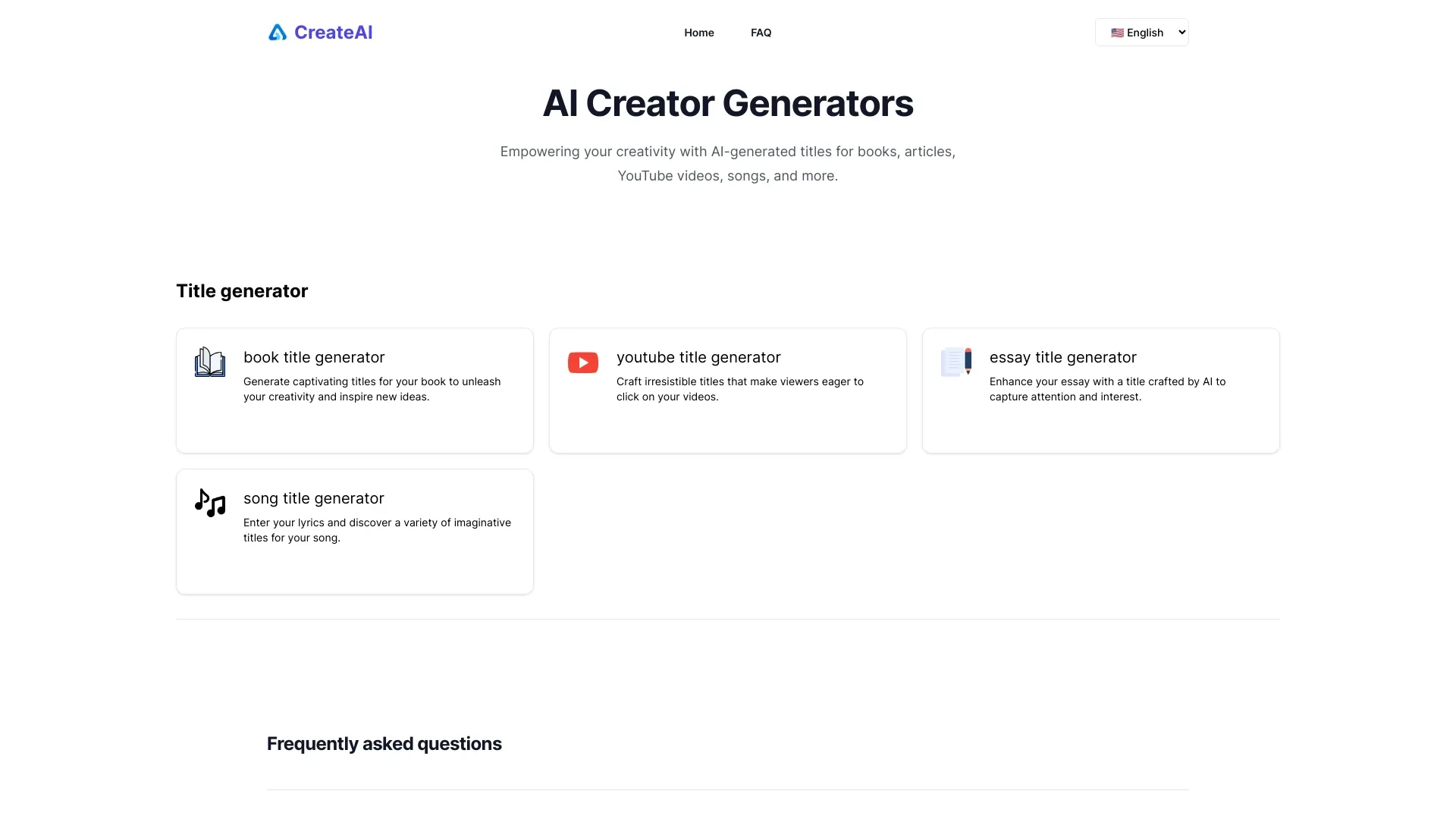
CreateAi
CreateAi empowers creativity by generating engaging titles for various projects, including books, articles, and videos.
- Book Title Generator
- Article Title Generator
- YouTube Title Generator
AI Analysis
Why use this AI CreateAi for Generate Ideas For A Youtube Video?
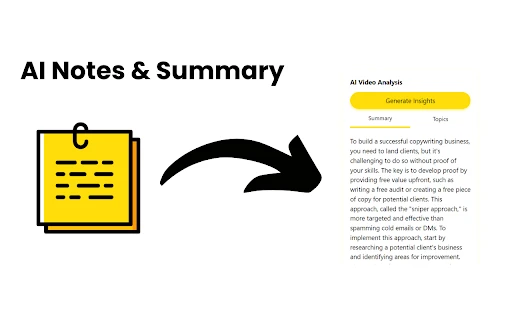
YT Summary Generator is an AI tool that creates summaries of YouTube videos and generates thematic discussion topics to enhance viewer understanding.
- AI-generated video summaries
- Topic idea generation
- Enhanced understanding of video content
AI Analysis
Why use this AI YT Summary Generator for Generate Ideas For A Youtube Video?
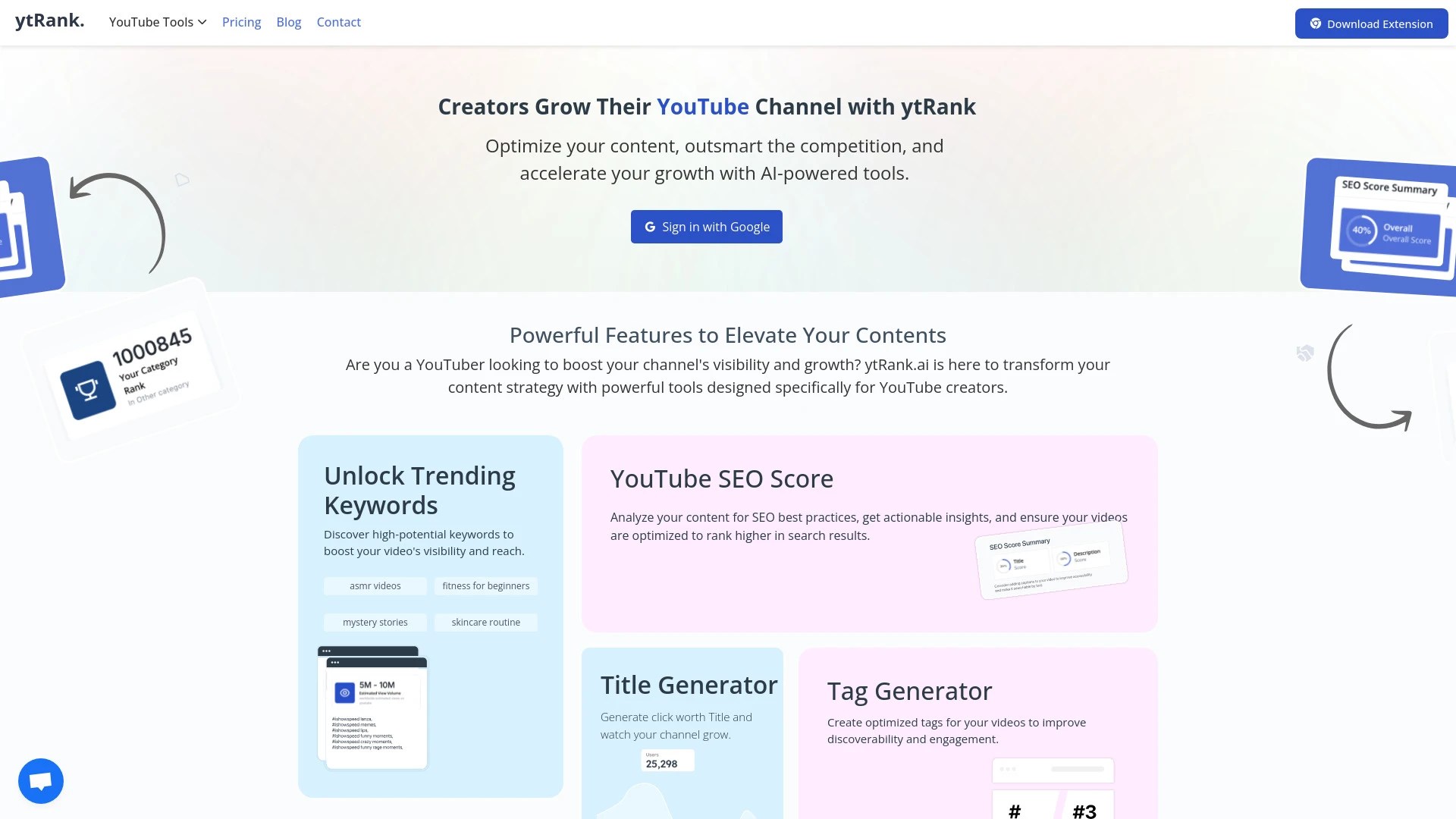
ytRank.ai
ytRank.ai is a powerful tool designed to help YouTubers improve their content strategy through advanced features such as keyword research and SEO anal...
- YouTube Keyword Research Tool
- YouTube SEO Checker
- Daily YouTube Video Ideas
AI Analysis
Why use this AI ytRank.ai for Generate Ideas For A Youtube Video?

AI-driven tool that generates fresh video concepts based on current trends, ensuring content stays relevant.
- AI-generated video ideas
- Daily trend analysis
- Content relevance enhancement
AI Analysis
Why use this AI Trend Video Idea Generator for Generate Ideas For A Youtube Video?

AI Video Generator Hub is a platform for creating tailored AI videos for YouTube Shorts, allowing users to personalize characters, motions, and voiceo...
- AI-powered storytelling
- personalized character and motion selection
- customizable voiceover options
AI Analysis
Why use this AI AI Video Generator Hub for Generate Ideas For A Youtube Video?
Practical Workflows
Don't just buy tools—build a system. Here are 3 proven ways to integrate AI into your generate ideas for a youtube video process.
Workflow 1: First successful Generate Ideas For A Youtube Video task for complete beginners
- Define your niche and audience pain points in 2–3 sentences to set clear inputs for the AI.
- Input 5 broad topics into the AI and request 3-5 unique video angles per topic.
- Ask the AI to prioritize ideas by potential engagement and provide a 1-week filming plan for the top idea.
Workflow 2: Regular user to optimize daily Generate Ideas For A Youtube Video work
- Create a daily topic prompt template (e.g., 'Trending tech, explain in under 8 minutes') and feed it to the AI.
- Have the AI generate 10 video ideas with titles, hooks, and a 60-second intro blueprint each.
- Filter ideas by seasonality, niche relevance, and audience intent; save a weekly content calendar.
Workflow 3: Power user for full Generate Ideas For A Youtube Video automation
- Integrate AI with your content tracker to ingest viewer comments and trends weekly.
- Instruct the AI to generate a topic cluster of 20 ideas, with internal linking concepts and outline skeletons.
- Export ideas to your publishing platform with ready-to-record notes and thumbnail concepts.
Effective Prompts for Generate Ideas For A Youtube Video
Copy and customize these proven prompts to get better results from your AI tools.
Beginner: Simple task, clear output
You are a YouTube content assistant. Generate 5 video ideas about 'how to start a small online business' tailored for beginners. For each idea provide a catchy title, a 60-second hook, and a one-paragraph outline.Advanced: Role + context + constraints + format
Act as a YouTube strategist. Audience: aspiring creators aged 18-30. Topic: 'AI tools for Generate Ideas For A Youtube Video'. Output: 10 video concepts with titles, hooks, outline sections (Intro, Main Points, CTA), video length 8–12 minutes, and thumbnail concepts. Include a brief SEO keyword plan per idea.Analysis: Evaluate outputs
Given the following 7 video ideas and outlines for Generate Ideas For A Youtube Video, score each on potential engagement (1-10), clarity (1-10), and feasibility (1-10). Provide a one-sentence justification for the top 3 selections and suggest 2 improvements per idea.
What is Generate Ideas For A Youtube Video AI?
Generate Ideas For A Youtube Video AI is specialized software that analyzes audience interests, trending topics, and niche dynamics to produce original video ideas, hooks, and outlines. It helps creators brainstorm efficiently, validate concepts, and plan content that aligns with viewer intent. This tool is ideal for marketers, content teams, and solo creators looking to streamline ideation and maintain a consistent publishing cadence.
Benefits of Using AI for Generate Ideas For A Youtube Video
- Faster ideation cycles with multiple angles per topic
- Data-driven topic selection aligned to audience interests
- Structured outlines and hooks that boost watch time
- Scalable idea generation for multi-channel campaigns
- Consistent content planning and reduced decision fatigue
How to Choose the Right Generate Ideas For A Youtube Video AI Tool
- Niche relevance and topic sourcing quality
- Output depth: ideas, hooks, outlines, and thumbnails
- Automation capabilities and integration with your workflow
- Pricing transparency and usage limits
- Support for your experience level: beginners to power users
Best Practices for Implementing Generate Ideas For A Youtube Video AI
- Provide clear prompts with audience and format details
- Combine AI suggestions with human creativity for authenticity
- Verify ideas against current trends and platform policies
- Batch-create ideas weekly to maintain consistency
- Track performance to refine future prompts
AI for Generate Ideas For A Youtube Video: Key Statistics
AI-assisted ideation reduces brainstorming time by an average of 40–60% for YouTube creators in 2026.
60% of creators using AI tools report higher initial engagement on new video ideas.
Average time savings to generate a week's worth of ideas: 2–4 hours.
40% of channels adopting AI-assisted ideation increase monthly publish frequency by 15–25%.
Top AI tools show a 25–70% improvement in idea relevance when aligned with audience personas.
In 2026, 72% of professional creators consider AI-assisted ideation essential for content strategy.
Frequently Asked Questions
Get answers to the most common questions about using AI tools for generate ideas for a youtube video .
Generate Ideas For A Youtube Video AI refers to software that analyzes trends, audience interests, and niche specifics to produce fresh, compelling video ideas, hooks, and outlines, helping creators ideate efficiently and plan content strategy.
Begin by defining your niche and audience, choose a tool with strong topic analysis, input prompts describing your goals, and ask for multiple video ideas with hooks, thumbnails, and outlines. Review, customize, and schedule the best ideas into your editorial calendar.
Paid tools often offer deeper trend analysis, longer outputs, and automation features, but free options can be effective for basic ideation. For 2026, prioritize tools with credible data sources, customization, and integration with your workflow to maximize long-term value.
Common issues include vague prompts, a lack of niche context, or tool limitations. Improve results by specifying audience, format, and constraints; provide example outputs you like; and periodically refresh prompts to align with current trends.
Related AI Tool Categories
Explore other AI tool categories similar to Generate Ideas For A Youtube Video that might interest you.
AI Video Generator
AI Video Generators utilize algorithms to create videos from text, images, or audio, enhancing content creation. Applica...
AI Personalized Video Generator
The AI Personalized Video Generator leverages AI algorithms to create tailored video content for users, analyzing prefer...
AI User-Generated Content Video Generator
The AI User-Generated Content Video Generator leverages artificial intelligence to automate video creation from user inp...
AI Music Video Generator
AI Music Video Generators leverage machine learning to create visuals that sync with music, enhancing creativity and acc...
AI Video Search
AI Video Search leverages machine learning and computer vision to improve video content retrieval by analyzing visual an...
AI Ad Creative Assistant
The AI Ad Creative Assistant leverages machine learning to generate tailored ad content, optimizing messaging for target...