Sponsored by BrandGhost BrandGhost is a social media automation tool that helps content creators efficiently manage and schedule their social media... Visit now

Bravo Studio versus Framer

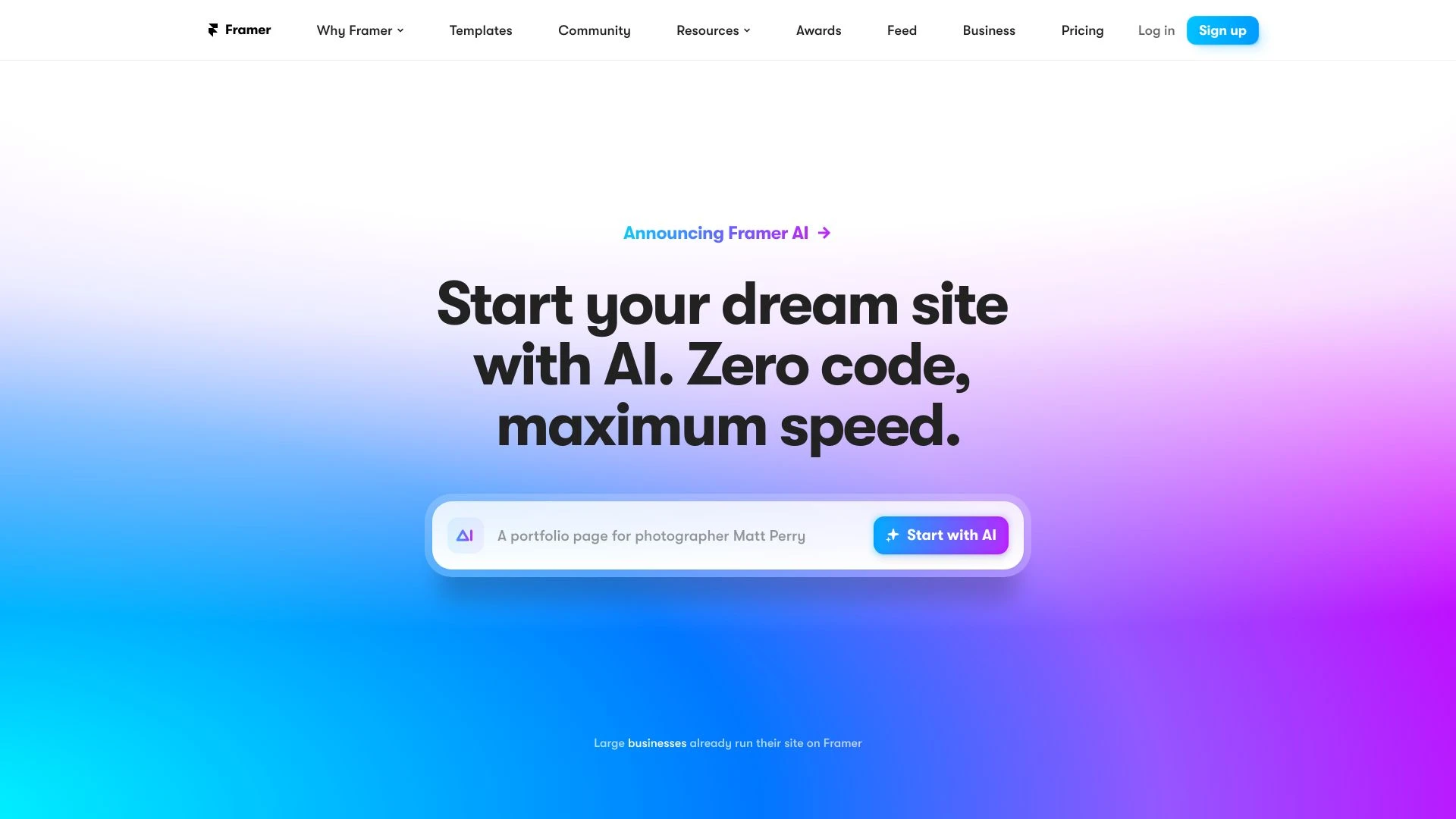
Bravo Studio and Framer offer complementary no code workflows for design teams. Bravo Studio specializes in turning Figma designs into interactive mobile prototypes with real time data, while Framer provides a no code website design platform with a freeform canvas and built in CMS.

Bravo Studio vs Framer Overview

Last updated: May 2026

Bravo Studio

0

Ideal For

    Designing CRM applications

    Developing meditation applications

    Creating fitness tracking apps

    Prototyping restaurant management tools

Key Strengths

    Effortless design-to-prototype transition

    Real-time feedback capabilities

    Seamless integration with Figma

Core Features

    Figma design integration

    Creation of clickable prototypes

    Real-time iteration via Bravo Vision

    API connectivity for real data

    Efficient sharing for user testing

Framer

0

Ideal For

    Creating personal websites

    Building portfolios

    Developing professional business sites

    Designing landing pages for campaigns

Key Strengths

    User-friendly interface

    Quick site creation and publishing

    No coding required

Core Features

    No-code website design

    Freeform design canvas

    Integrated content management system

    AI-generated design starters

    Responsive and performance-optimized layouts

Popularity

High 62,700 visitors
Growing popularity
Very High 3,300,000 visitors
Growing popularity

Decision Matrix

Factor Bravo Studio Framer
Ease of Use
7.5/10
7.8/10
Features
8.2/10
8.5/10
Value for Money
8.0/10
7.0/10
Interface Design
8.1/10
9.0/10
Learning Curve
7.0/10
7.5/10
Customization Options
8.3/10
8.0/10

Quick Decision Guide

Choose Bravo Studio if:
  • You seek rapid app prototyping and development.
  • You value seamless collaboration for design teams.
  • You aim for easy integration with other tools.
  • You look for user-friendly interface design options.
  • You want to streamline the handoff between design and dev.
Choose Framer if:
  • You want seamless design-to-code workflow.
  • You aim for intuitive collaboration with teams.
  • You value customizable templates for quick starts.
  • You look for great performance in responsive design.
  • You want powerful prototyping capabilities.

What Our Experts Say

Use Bravo Studio when you need mobile app prototypes that look and act like real apps and require stakeholder feedback with real data. Use Framer when building professional websites or client projects that benefit from CMS, AI design starters, and rapid publishing. Tips: start from an existing Figma design to Bravo for prototype work, and leverage Framer's AI starters and CMS to accelerate web project delivery.
JD

Jamie Davis

Software Analyst

At a Glance

For teams focused on mobile app prototyping from design to interactive prototype, Bravo Studio is the recommended choice. For teams prioritizing web presence with CMS and AI design support, Framer is the better fit. The right option depends on whether the primary goal is validating mobile UX with live data or delivering production ready websites.

Pricing and Subscription Plans

Bravo Studio operates on a freemium model with 0.00 price and monthly billing under a subscription plan. Framer offers a 0.00 free tier with one_time billing and a consumption based payment model. Both provide accessible entry points: Bravo Studio emphasizes rapid prototype testing from Figma, while Framer favors ongoing website projects with CMS and AI design starters.

Performance Metrics

No published speed or reliability metrics are provided for either tool. Bravo Studio enables real time iteration via Bravo Vision and API connectivity for live data, while Framer emphasizes responsive and performance optimized layouts as part of its core feature set.

User Experience

Bravo Studio integrates directly with Figma making it approachable for UI UX designers already in that ecosystem. The learning curve is reduced by real time iteration and easy sharing for stakeholder feedback. Framer provides a no code experience with a freeform canvas, drag and drop, AI design starters, and templates, which speeds onboarding for diverse users.

Integrations and Compatibility

Bravo Studio integrates with Figma and enables API connectivity for live data. Framer offers seamless integrations with popular services and includes a built in CMS.

Limitations and Drawbacks

Bravo Studio excels in prototyping but its scope centers on interactive prototypes and live data connections rather than full product development. Framer is web centric with CMS and no code design, which may be less suited for non web apps or teams needing heavy backend customizations.

Frequently Asked Questions

What is the main difference between Bravo Studio and Framer?
The key difference between Bravo Studio and Framer lies in their core use cases, pricing models, and feature depth. Bravo Studio typically focuses on specific workflows, while Framer offers broader capabilities suitable for different teams and scenarios.
Which is better for teams: Bravo Studio or Framer?
Framer is often a better fit for growing teams that need collaboration, governance, and integrations, while Bravo Studio can be ideal for individuals or smaller teams who want a simpler, more focused solution.
Is Bravo Studio more affordable than Framer?
Pricing depends on your usage and plan tiers. Bravo Studio may offer a lower entry price, while Framer can provide more value at scale with advanced features included in higher-tier plans.
Can I use both Bravo Studio and Framer together?
Yes, many teams combine both tools in their workflows to cover different use cases. Always review integrations and overlapping features to avoid paying twice for similar functionality.

Related Comparisons