
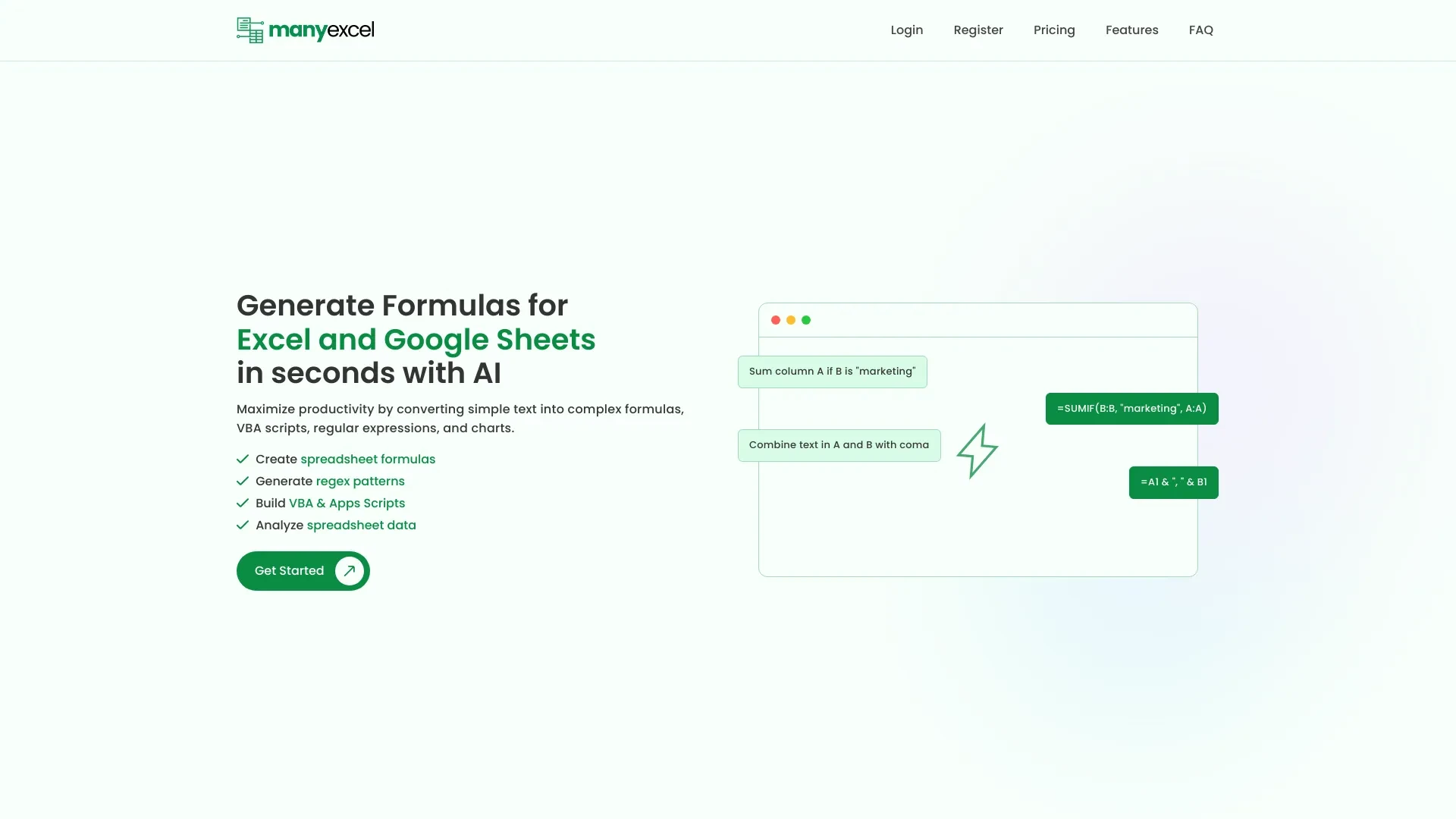
ExcelMaster.ai and ManyExcel deliver AI powered enhancements for spreadsheet work. ExcelMaster.ai specializes in crafting complex Excel formulas VBA code and Python scripts, while ManyExcel converts natural language commands into formulas and visualizations. Both target users seeking faster, more accurate spreadsheet tasks and reduced manual effort.
Automate repetitive Excel tasks and generate reports
Create complex financial models or academic assignments effortlessly
Clean and prep data for analysis in minutes
Enhance spreadsheet efficiency for business applications
Saves time by automating formula generation
Reduces errors with AI-validated code
Offers custom solutions for varied Excel tasks
Generates complex Excel formulas
Creates customized VBA code
Automates data cleaning and transformation
Understands multi-sheet relationships
Supports Python scripting
Generate Formulas for Excel and Google Sheets
Utilize Regex Formulas
Create Data Visualizations
Conduct Efficient Data Analysis
Streamlined formula creation
Reduces time spent on data management
User-friendly interface
AI Formula Generator
AI Regex Generator
AI Script Generator
Data Analysis Tool
Chart and Graph Creation
ExcelMaster.ai is the clear pick for deep Excel automation and complex modeling, while ManyExcel shines for quick formula creation and easy data visualization at a lower entry price. If your work centers on Excel heavy workflows and code generation, choose ExcelMaster.ai; if you want low friction access to AI generated formulas and charts, ManyExcel is the practical choice. The best option depends on your use case, but both offer valuable capabilities for modern spreadsheet tasks.
ExcelMaster.ai operates on a 12.00 per month paid subscription. ManyExcel adopts a freemium model with the base tier free and paid tiers starting around 5.00 per month. This pricing makes ManyExcel accessible for beginners while ExcelMaster.ai targets users needing deeper Excel automation. Both are subscription based and web accessible.
Specific speed or scalability metrics are not provided. Both tools are web based AI platforms with features like multi sheet formula handling for ExcelMaster.ai and data analysis and charts for ManyExcel, indicating solid architectural capabilities for spreadsheet tasks.
ExcelMaster.ai offers a user friendly interaction designed for crafting formulas and code. ManyExcel emphasizes a user friendly interface with easy upload of spreadsheets and natural language instructions. Onboarding appears straightforward for both, suited to both beginners and professionals.
Both tools are Web platforms designed for spreadsheet work. ExcelMaster.ai centers on Excel centric tasks including multi sheet relationships; ManyExcel supports uploading spreadsheets and creating charts and analyses.
ExcelMaster.ai specializes in Excel tasks which may limit cross platform spreadsheet capabilities. ManyExcel freemium model may require subscription for advanced features, potentially limiting access to powerful tools for casual users.