Sponsored by BrandGhost BrandGhost is a social media automation tool that helps content creators efficiently manage and schedule their social media... Visit now

Infografix versus Infographic.Ninja

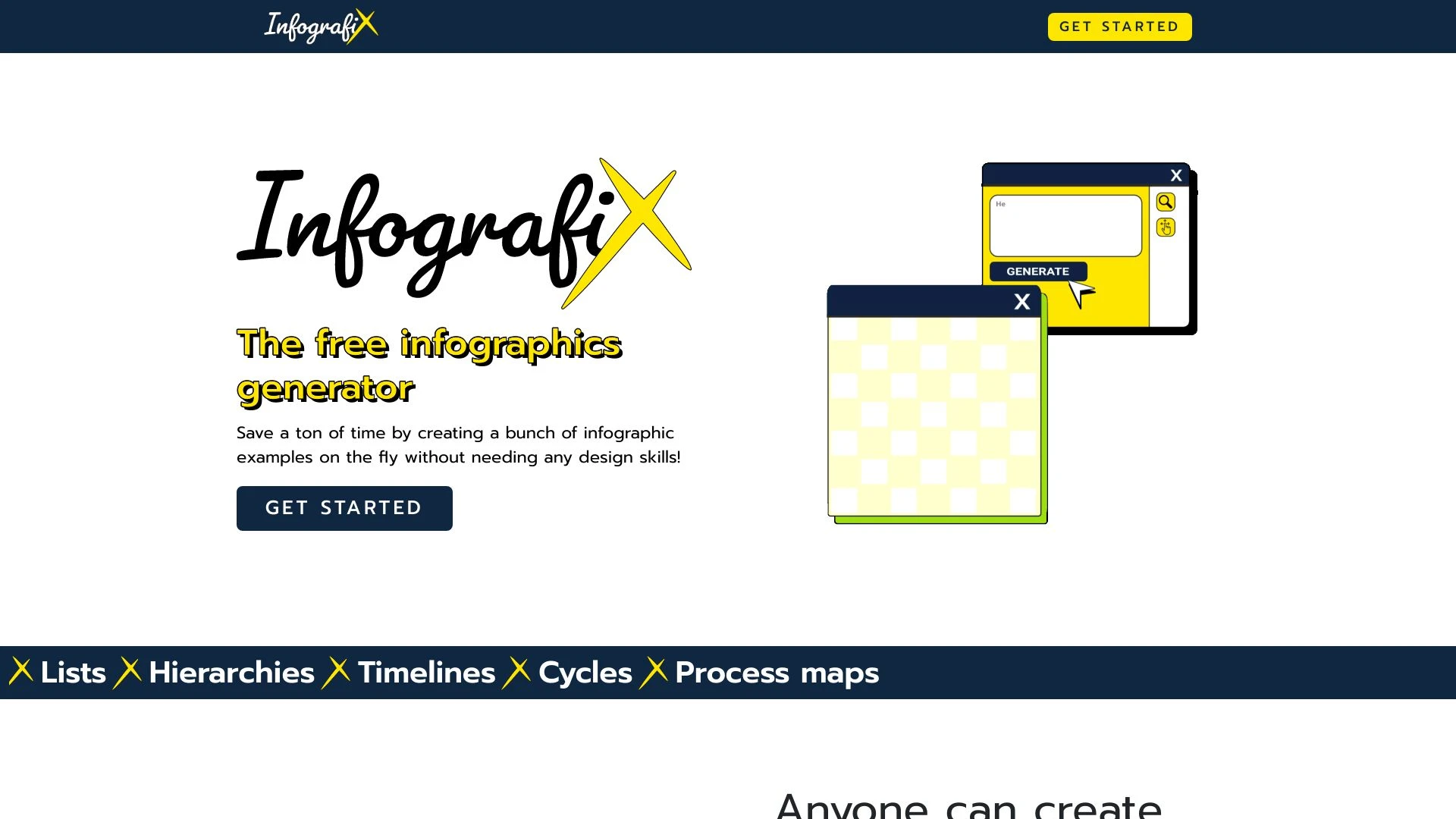
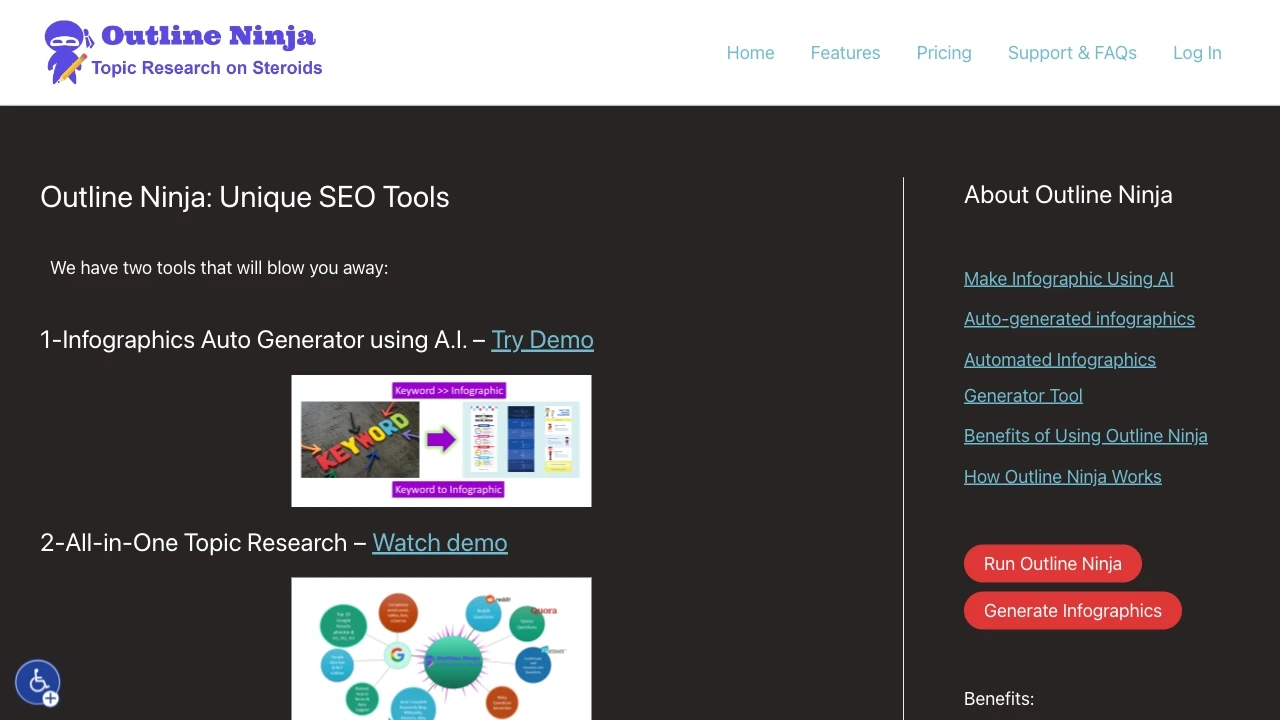
Infographic.Ninja and Infografix are AI powered infographic creators that cater to different budgets and workflows. Infographic.Ninja focuses on bloggers and content creators with SEO and topic research capabilities, while Infografix offers a free, accessible option for quick visuals without design expertise. Both operate as web based tools designed to accelerate visual content production.

Infografix vs Infographic.Ninja Overview

Last updated: May 2026

Infografix

0

Ideal For

    Enhancing academic projects

    crafting engaging business presentations

    improving marketing visuals

    simplifying data representation

Key Strengths

    No design experience required

    fast and efficient infographic generation

    versatile export formats for sharing

Core Features

    AI-generated infographics

    usable without design skills

    quick creation with text prompts

    mobile, desktop, and tablet compatibility

    export options in PNG, JPG, SVG, PDF

Ideal For

    Creating infographics for blogs

    Enhancing SEO for articles

    Topic research for content creators

    Producing visual aids for presentations

Key Strengths

    Saves time on infographic creation

    Enhances audience engagement

    Improves content visibility through SEO

Core Features

    Instant infographic generation

    Automated 'HowTo Schema' creation

    Analysis of missing topics and entities

    Comprehensive topic research

    Keyword-to-topic outline expansion

Popularity

Medium 35,700 visitors
Growing popularity
Medium 29,400 visitors
Growing popularity

Decision Matrix

Factor Infografix Infographic.Ninja
Ease of Use
7.5/10
7.5/10
Features
8.2/10
8.0/10
Value for Money
8.0/10
8.0/10
Interface Design
8.3/10
7.5/10
Learning Curve
7.0/10
7.0/10
Customization Options
8.1/10
8.5/10

Quick Decision Guide

Choose Infografix if:
  • You want stunning visuals for your data presentations.
  • You aim to save time with easy-to-use templates.
  • You value real-time collaboration with your team.
  • You look for versatility across multiple formats.
  • You seek integration with other tools and platforms.
Choose Infographic.Ninja if:
  • You want stunning visuals quickly and effortlessly.
  • You aim to create custom designs with ease.
  • You value user-friendly interfaces for all skill levels.
  • You look for versatile templates across various topics.
  • You want to boost engagement with impactful graphics.

What Our Experts Say

For content heavy workflows that lean on SEO and structured data, Infographic.Ninja is a strong fit thanks to its HowTo Schema generation and topic research features, making it a good choice for bloggers and marketers who need scalable visuals tied to content strategy. For learners and teams on a tighter budget, Infografix delivers rapid, no cost infographic creation with flexible exports across PNG, JPG, SVG and PDF, ideal for quick class projects or social posts. Implementation tips include starting with keyword based prompts in Infographic.Ninja to guide schema rich outputs, and leveraging Infografix export options to test different visual formats across channels.
JD

Jamie Davis

Software Analyst

At a Glance

If your priority is a feature rich, SEO oriented workflow with ongoing access, Infographic.Ninja is the preferred option for professional content programs. If you need a zero cost, fast and flexible infographic generator for education, presentations or lightweight marketing, Infografix is the sensible fit. In mixed scenarios, consider using Infographic.Ninja for core infographics and Infografix for rapid supplementary visuals to balance cost and capability.

Pricing and Subscription Plans

Infographic.Ninja operates on a paid monthly subscription at 19 dollars, positioning itself for users seeking ongoing access to automated infographic creation and research tools. Infografix is free with a consumption based model, appealing to students and professionals who need occasional exports without upfront costs. These pricing models reflect distinct value propositions: sustained enterprise style use for Infographic.Ninja versus zero entry cost for Infografix. Market accessibility will depend on usage needs and willingness to invest in feature rich workflows.

Performance Metrics

No explicit speed or reliability metrics are provided. Infographic.Ninja advertises instant infographic generation and AI driven content optimization, while Infografix emphasizes quick creation from text prompts. In the absence of numeric benchmarks, both leverage cloud based AI pipelines designed for rapid output, but exact performance will hinge on user load and implementation details not disclosed in the description.

User Experience

Both tools are web based and focus on ease of use. Infographic.Ninja describes a user friendly platform that generates all necessary elements from a keyword and title, targeting bloggers and researchers who want seamless infographic creation. Infografix emphasizes a design free experience with simple text prompts, broad device compatibility and multiple export formats, supporting quick onboarding for students and marketers. The learning curve should be gentle for non designers, with strong emphasis on predefined templates and straightforward prompts.

Integrations and Compatibility

Both tools are described as Web platforms with no named third party integrations in the provided data, suggesting a stand alone experience. The ecosystem appears self contained with export options but no explicit API or CMS connections mentioned.

Limitations and Drawbacks

A clear trade off exists between cost and breadth of features: Infographic.Ninja provides advanced topic research and schema generation within a paid plan, while Infografix offers a free option with consumption based usage but may lack the depth of SEO oriented tooling. Users should align choice with their need for research capabilities versus zero upfront cost.

Frequently Asked Questions

What is the main difference between Infografix and Infographic.Ninja?
The key difference between Infografix and Infographic.Ninja lies in their core use cases, pricing models, and feature depth. Infografix typically focuses on specific workflows, while Infographic.Ninja offers broader capabilities suitable for different teams and scenarios.
Which is better for teams: Infografix or Infographic.Ninja?
Infographic.Ninja is often a better fit for growing teams that need collaboration, governance, and integrations, while Infografix can be ideal for individuals or smaller teams who want a simpler, more focused solution.
Is Infografix more affordable than Infographic.Ninja?
Pricing depends on your usage and plan tiers. Infografix may offer a lower entry price, while Infographic.Ninja can provide more value at scale with advanced features included in higher-tier plans.
Can I use both Infografix and Infographic.Ninja together?
Yes, many teams combine both tools in their workflows to cover different use cases. Always review integrations and overlapping features to avoid paying twice for similar functionality.

Related Comparisons