Sponsored by BrandGhost BrandGhost is a social media automation tool that helps content creators efficiently manage and schedule their social media... Visit now

Imagewith.AI versus Imagga

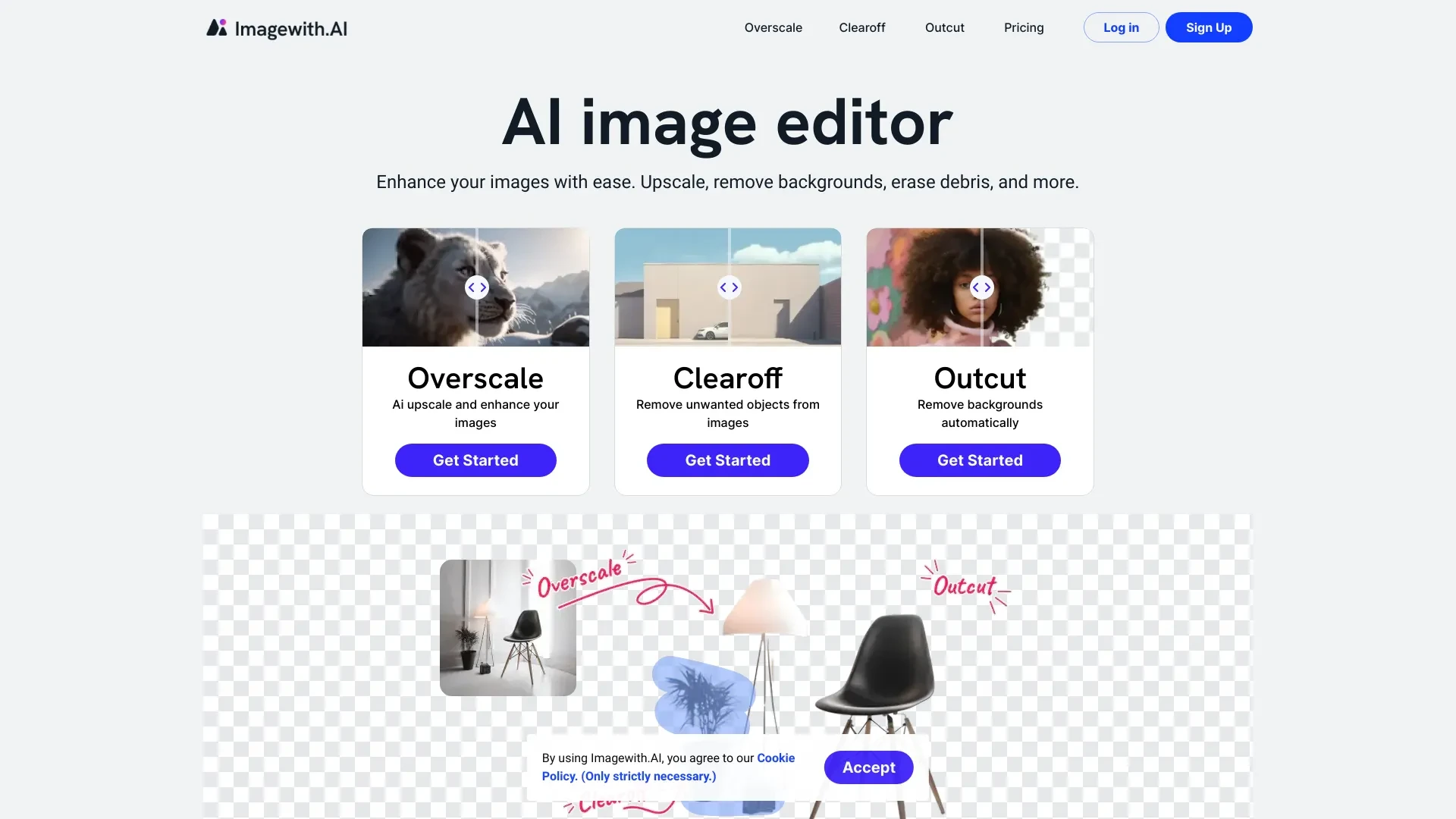
Imagga and Imagewith.AI approach image tasks from different angles. Imagga delivers automated recognition metadata through tagging, categorization and moderation at scale, while Imagewith.AI provides an accessible editing suite for fast visual enhancements and restoration. Both are freemium, monthly subscription offerings designed for web based use.

Imagewith.AI vs Imagga Overview

Last updated: May 2026

Imagewith.AI

0

Ideal For

    Creative professionals enhancing portfolios

    E-commerce businesses optimizing product images

    Photographers restoring old photos

    Marketers preparing visuals for campaigns

Key Strengths

    User-friendly platform

    Advanced AI capabilities

    Time-saving editing process

Core Features

    AI image enhancement

    AI background and object removal

    AI image restoration

    AI portrait enhancement

    User-friendly interface

Imagga

0

Ideal For

    E-commerce product tagging

    Media asset categorization

    Real estate property image analysis

    Advertising content moderation

Key Strengths

    Advanced image recognition technology

    Flexibility with cloud and on-premise integration

    Scalable solutions for various industries

Core Features

    Image tagging

    Categorization

    Visual search

    Content moderation

    Custom training

Popularity

Very High 182,600 visitors
Growing popularity
Medium 34,700 visitors
Growing popularity

Decision Matrix

Factor Imagewith.AI Imagga
Ease of Use
7.5/10
7.5/10
Features
8.0/10
8.0/10
Value for Money
8.0/10
7.0/10
Interface Design
8.5/10
8.0/10
Learning Curve
7.0/10
7.0/10
Customization Options
8.0/10
8.5/10

Quick Decision Guide

Choose Imagewith.AI if:
  • You want intuitive image generation with minimal effort.
  • You aim to enhance creativity with diverse style options.
  • You value quick rendering for instant visual feedback.
  • You look for user-friendly tools suitable for all skill levels.
  • You seek high-quality outputs for professional use.
Choose Imagga if:
  • You want advanced image recognition capabilities.
  • You aim for seamless integration with existing systems.
  • You value fast and accurate image tagging solutions.
  • You look for customizable features for specific needs.
  • You want a reliable tool for visual content analysis.

What Our Experts Say

Experts recommend using Imagga when you need scalable tagging, categorization, and moderation integrated into a content workflow; pair it with a CMS or DAM, and consider on prem if data sensitivity is a concern. For Imagewith.AI, leverage its fast, user friendly editing for product imagery, marketing visuals, and portfolio work; create templates and batch processes to maximize efficiency.
JD

Jamie Davis

Software Analyst

At a Glance

Imagga is the stronger choice for automated image understanding and enterprise workflows, while Imagewith.AI is ideal for fast, accessible image editing and visual refinement. If your goal is metadata searchability and moderation at scale, choose Imagga; if you mainly need quick editing and high quality visuals, choose Imagewith.AI. For teams needing both capabilities, using both tools can cover end to end image processing from tagging to refinement.

Pricing and Subscription Plans

Both offer a 0.00 freemium price with monthly subscription billing. Imagga positions itself for scalable enterprise workflows with cloud or on prem deployments, while Imagewith.AI targets rapid, user friendly editing suitable for a wide range of teams. The combination of familiar subscription pricing and accessible web platforms makes them approachable for testing and quick ROI.

Performance Metrics

No numeric speed metrics are disclosed. Imagewith.AI advertises fast processing time for edits, and Imagga stresses scalable deployment across cloud or on prem environments to support larger workloads. In practice, expect performance to scale with your infrastructure and API usage.

User Experience

Imagga operates as an API based service, which means developers should expect integration work and a more technical setup for model training and tagging workflows. Imagewith.AI provides a user friendly web interface oriented toward non technical users and rapid editing. Onboarding for Imagga typically involves API keys, model configuration, and connecting to downstream systems, while Imagewith.AI offers straightforward image uploads and templates.

Integrations and Compatibility

Imagga supports cloud and on prem deployment for broad integration with existing systems and pipelines. Imagewith.AI is web based and designed for easy access, with no explicit third party integrations listed in the provided data.

Limitations and Drawbacks

Imagga excels in recognition and data workflows but integration and customization may require more technical effort. Imagewith.AI shines in editing tasks but the feature set is focused on visuals rather than metadata tagging or moderation.

Frequently Asked Questions

What is the main difference between Imagewith.AI and Imagga?
The key difference between Imagewith.AI and Imagga lies in their core use cases, pricing models, and feature depth. Imagewith.AI typically focuses on specific workflows, while Imagga offers broader capabilities suitable for different teams and scenarios.
Which is better for teams: Imagewith.AI or Imagga?
Imagga is often a better fit for growing teams that need collaboration, governance, and integrations, while Imagewith.AI can be ideal for individuals or smaller teams who want a simpler, more focused solution.
Is Imagewith.AI more affordable than Imagga?
Pricing depends on your usage and plan tiers. Imagewith.AI may offer a lower entry price, while Imagga can provide more value at scale with advanced features included in higher-tier plans.
Can I use both Imagewith.AI and Imagga together?
Yes, many teams combine both tools in their workflows to cover different use cases. Always review integrations and overlapping features to avoid paying twice for similar functionality.

Related Comparisons